Address
Building A1, Runteng Industrial Park, No. 4 Xishan Road, Longteng Community, Shiyan Subdistrict, Bao'an District, Shenzhen 518000, China
Work Hours
Monday to Saturday: 09:00 – 23:00 (UTC+8)
Sunday: closed
Address
Building A1, Runteng Industrial Park, No. 4 Xishan Road, Longteng Community, Shiyan Subdistrict, Bao'an District, Shenzhen 518000, China
Work Hours
Monday to Saturday: 09:00 – 23:00 (UTC+8)
Sunday: closed

Video tutorial for the JHIMS M8 automatic vision stencil printer — the three operating steps, the fault diagnosis table, consumables, maintenance cycles, parameters and the operator mistakes that cause most print defects.
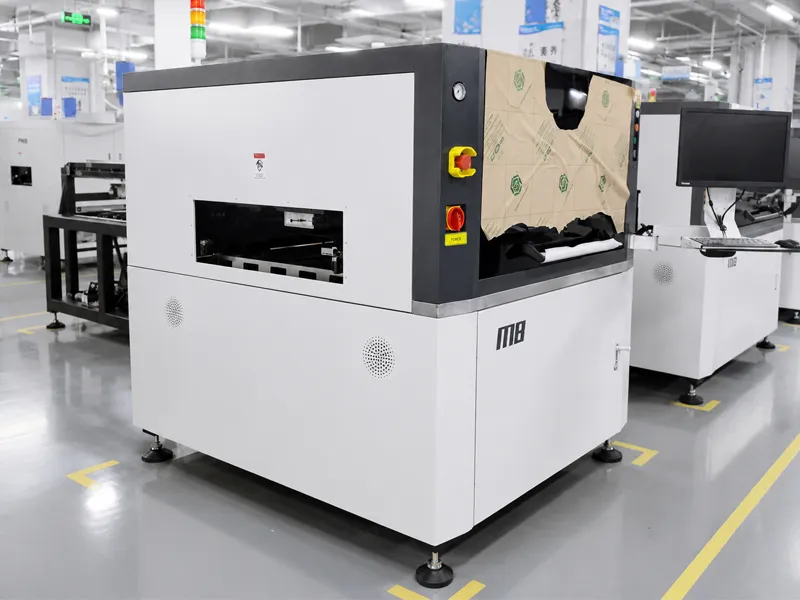
Video tutorial for the JHIMS M8 automatic vision stencil printer — the three operating steps, the fault diagnosis table, consumables, maintenance cycles, parameters and the operator mistakes that cause most print defects.

Click any step to open that tutorial video. The main player above shows the full 3-step sequence — click a step to play it in place.
Before powering on the M8 solder paste printer, verify the air pressure supply is within the specified range, check that the stencil clamps are open and the stencil is seated correctly, confirm the squeegee is installed and aligned, and remove any foreign objects from the print bed. Launch the software, wait for it to load, then click “Start” to reset the axes. Prioritize safety — use the stop button before any intervention. Clear the transport area of blocks, then enter engineer mode when needed (default password 000000 or 888888).
Enter the PCB specifications (e.g. 120×100×1.5mm), stencil dimensions, squeegee speed (default 50mm/s, adjustable) and pressure (default 3kg, adjustable), plus the cleaning protocol (wet/dry/vacuum with programmable cycles). Adjust the PCB channel to match the board height for seamless flow. Teach the mark points with the CCD camera — tweak the brightness, align the stencil (e.g. +2mm on the Y-axis) and confirm pad alignment. Add cleaning supplies and solder paste, debug offsets with test prints, then save the program and initiate the run. Essential tips: emphasize safety, accurate configuration, CCD precision, and iterative debugging.
Auto-position the board and establish diagonal marks, then navigate to “Mark 2D”. Clear prior settings, image the pads, refine the inspection windows and correct serial errors (right-click to remove inaccuracies, save revisions). Define the threshold levels for insufficient and excess paste, and configure the error alarm actions (stop, warn or log). Activate the 2D inspection, simulate defects to test the alarms, and tailor the windows to your quality standards. Core insight: diagonal marks enable alignment; focused windows and corrections optimize inspection performance.
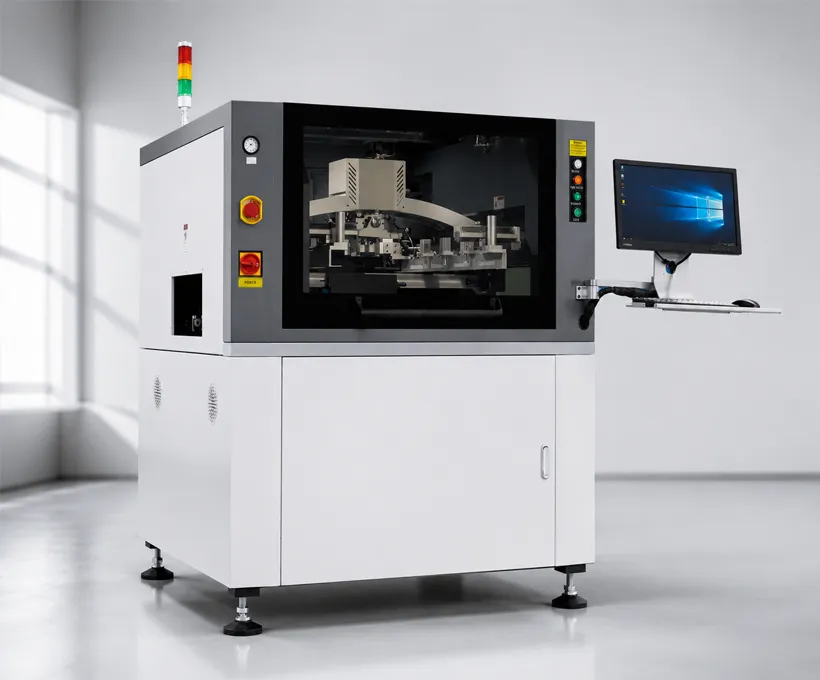
Stencil printing is as much a rheology problem as a mechanics one. Solder paste is thixotropic: under the shear of the squeegee it thins and flows into the stencil apertures, then thickens again the instant it stops, holding its shape on the pad. The variables that decide whether that deposit is flat, crisp and repeatable are paste viscosity (as delivered and as it ages), stencil thickness and aperture design, and squeegee pressure, angle and speed. When these drift you get the classic defects — slumping and bridging, open joints, or a deposit that looks right on the board but does not reflow correctly. The sections below are the working knowledge that goes beyond the operator manual: how to diagnose a fault, the consumables and filters that keep the machine healthy, the maintenance cycle that stops drift before it starts, and a fast parameter reference for a correct setup on the floor.
| Symptom | Probable Cause | Probability | Correction |
|---|---|---|---|
| Incomplete prints / skip-print | Stencil apertures blocked | 35% | Run cleaning cycle; manual solvent clean if blocked |
| Incomplete prints / skip-print | Squeegee pressure too low | 15% | Increase pressure; verify air supply |
| Smearing / bridging | Squeegee pressure too high | 20% | Reduce pressure; check squeegee edge |
| Registration drift | Mark point teaching error | 15% | Re-teach diagonal marks with zoomed crosshair |
| False 2D alarms | Thresholds too tight | 10% | Loosen thresholds to under 2% false alarm rate |
| Paste strings | Separation speed too fast | 5% | Slow stencil-PCB separation |
| No print on part of the board | Stencil warped or not seated flat; board support pins missing | – | Check stencil flatness and clamp; add support pins under warped areas |
| Excess solder paste | Squeegee pressure too high or speed too low | – | Reduce pressure; increase speed |
| Excess solder paste | Stencil-PCB separation too fast | – | Slow the separation speed |
| Insufficient paste | Squeegee blade worn or damaged edge | – | Replace the squeegee blade |
| Insufficient paste | Stencil apertures undersized or clogged | – | Verify aperture-to-pad ratio; run cleaning cycle |
| Bridging | Paste viscosity too low | – | Check paste viscosity; re-condition the paste |
| Bridging | Squeegee angle incorrect | – | Verify the squeegee angle (60° default) |
| Print shift | PCB not clamped or support pins not set | – | Verify PCB clamping and support pin layout |
| Print shift | Stencil off-center | – | Re-align the stencil to the PCB |
| Registration drift | Stencil tension lost | – | Check stencil tension and re-tension if needed |
| Registration drift | CCD lens dirty – mark recognition unstable | – | Clean the CCD lens; re-teach marks |
| 2D misses defects | Inspection thresholds too loose | – | Tighten thresholds; re-teach windows |
| 2D false alarms | Camera misaligned or window drift | – | Re-calibrate the 2D camera position and windows |
| Solder paste spilling | Squeegee pressure too high | – | Reduce pressure; check blade edge |
| Skipped prints | Stencil cleaning not triggered between batches | – | Verify cleaning cycle frequency in the program |
| Air pressure low alarm | Air supply insufficient; regulator not set | – | Check the air compressor and regulator; set pressure within spec |
| Consumable | Part No. | Replacement Cycle | Note |
|---|---|---|---|
| Conveyor belt | 2620MM | When worn / breaking | Replace on wear |
| Belt pulley | 696 conveyor pulley (less bearing) | When worn | – |
| Sensor | GL5/L/28a/115 (EE-SX671) | When damaged | – |
| Stepper driver (axes) | 2D45M | When damaged | – |
| Cleaning lift cylinder | MGPM16-10 | When damaged | – |
| Alcohol solenoid valve | 1022-22-TMA | When damaged | – |
| Filter combination | – | When clogged | – |
| Squeegee blade | 300MM | When deformed | – |
| Solder dam block | Spring-loaded block | When damaged | – |
| Long edge clamp | 300MM | When worn | – |
| Squeegee | 300MM, 60° angle | When worn | – |
| Cleaning paper | 530×510mm | When used up | Replace each roll |
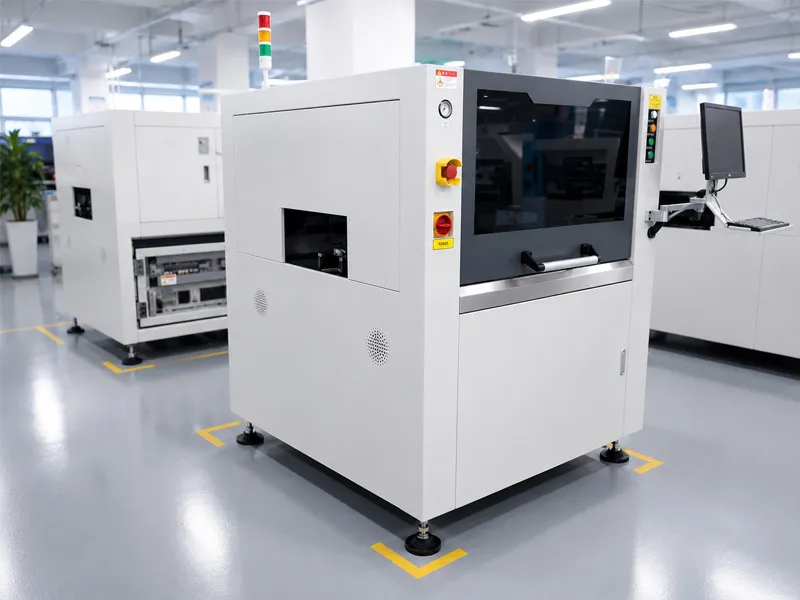
| Maintenance Area | Check & Maintenance Content | Tools |
|---|---|---|
| 1. Platform | Check mounting screws for looseness; clean oil and paste residue; keep work surfaces clean; lubricate ball screws and linear guides. | Grease gun, lint-free cloth |
| 2. Squeegee | Check screws, plugs and connectors for looseness; remove foreign objects; check squeegee traverse belt wear and screw tightness; lubricate ball screw if fitted. | Grease gun |
| 3. Cleaning unit | Check the cleaning unit for deformation; roller motor paper feed; wiper bar wear; spray valve jetting; cleaning tube corrosion/leaks; spray belt wear. | — |
| 4. Vision CCD | Check camera mounting screws and connectors; remove falling debris; confirm image clarity; check stop-cylinder air leaks. | Lint-free cloth |
| 5. Stencil frame | Check the stencil frame for deformation, cleanliness and wear; cylinder air leaks; air tube wear; left-right frame parallelism. | — |
| 6. Conveyor | Check rail screws; oil/paste residue; transport belt wear or breaks; rail height consistency (no flaring); stopper screw wear. | — |
| 7. Electrical | Measure ground continuity with a multimeter; air pressure gauge; drain filter water; cylinder air leaks; terminal wiring; motion control card; chassis and IPC fans; origin/limit switches; connector board cleaning. | Multimeter |
| 8. Enclosure | Wipe the enclosure with a lint-free cloth and a little WD-40 cleaning oil. Never use water or an air gun. | Lint-free cloth, WD-40 |
| 9. Level | Place a spirit level on the platform and verify the machine is level. | Spirit level |
| Parameter | Recommended | Allowed Range | Notes |
|---|---|---|---|
| PCB size | Up to 650×610mm | Per machine spec | Expansion options available |
| Stencil size | 850×850mm | Per machine spec | Standard frame size |
| Squeegee speed | 50 mm/s | Adjustable | Slower for fine pitch |
| Squeegee pressure | 3 kg | Adjustable | Lower for fine apertures |
| Repeatability | ±0.01 mm | ±0.01 mm | CCD mark-point alignment |
| Cleaning modes | Wet / dry / vacuum | Programmable | Automatic cycles between batches |
| Inspection | 2D automatic with error alarms | Configurable | Detects insufficient/excess paste and bridging |
| Alcohol spray speed | 200 | Adjustable | Per recipe |
| Power supply | 220V, single-phase | — | — |
The table is a starting point, and the difference between a printer that performs and one that is argued about is what happens after the starting point. Three values deserve particular care. Squeegee speed at 50 mm/s is the reference figure, and fine-pitch work generally wants it slower because paste needs time to roll and fill the aperture rather than being driven across the stencil. Squeegee pressure at 3 kg is the reference, and lower for fine apertures — excess pressure forces paste onto the stencil underside, where it transfers to the next board and appears as random defects that are difficult to trace. Repeatability of ±0.01 mm is a machine property and cannot be improved by adjustment, which is why the mark-point routine matters more than any parameter on the page: vision alignment decides where the board actually is.
The remaining rows are the ones that get forgotten between products. PCB and stencil sizes are fixed by the frame the customer owns, and expansion options should be decided at purchase rather than discovered when a larger board arrives. Cleaning modes — wet, dry or vacuum, programmable between batches — determine how much of the aperture condition is managed automatically, and alcohol spray speed belongs with the recipe because it interacts with paste type. Power supply is single-phase 220 V. The habit worth building is to treat the quick-reference values as the baseline and to record every deliberate deviation with the recipe, so the next operator starts from a known setting rather than from an unknown adjustment.
The 2D inspection camera scans the deposited paste pattern after printing. By measuring the area of each paste deposit against the stencil aperture area, the system detects insufficient paste (area too small), excess paste (area too large), and bridging (paste connecting adjacent pads). It cannot measure height directly — that requires 3D/SPI — but area-based detection catches most print defects before reflow.
Defects caught at the printer cost seconds to fix (clean stencil, reprint). Defects caught after reflow cost minutes or hours (desoldering, rework, or scrapping). The 2D inspection is the cheapest quality gate in the entire SMT line.
A poorly taught mark point shifts every print on the board. The error compounds across the board — a 0.1mm mark error at the origin becomes a 0.5mm shift at the far corner for a 300mm board. Teach marks carefully with the crosshair zoomed in.
The M8 uses diagonal mark points (e.g., lower-left and upper-right) to correct for both X/Y translation AND rotation. A single mark can only correct translation. Diagonal marks are the minimum for accurate registration on large boards. On extra-large formats — up to 1,200 × 350 mm — the L12 extra-large visual solder paste printer combines the same diagonal-mark registration with an integrated 2D paste inspection.
These six mistakes are grouped by where they come from, which is useful because each group has a different fix. The first two come from start-up shortcuts: powering on without verifying air pressure and stencil clamps produces false alarms and risks mechanical damage, and teaching a single mark leaves board rotation uncorrected, so registration errors appear intermittently and are attributed to the machine rather than to the teach routine. Two diagonal marks solve it, and the cost of doing it properly at setup is a few seconds.
The next two come from carrying settings across products. Fine-pitch boards need lower pressure and slower speed than the defaults, because a setting that works on a coarse board smears fine apertures; and repeated inspection alarms are a signal of real process drift, so investigation is the correct response and disabling the alarm removes the cheapest quality gate on the line. The last two come from material and cleaning discipline: mixed pastes contaminate apertures and cause skip-print defects, and a dirty CCD lens degrades mark recognition, which shows up as registration drift and unreliable inspection results rather than as a lens problem. In practice, the second pair is the cause of most complaints about printer accuracy.
What these seven rules have in common is that they are cheap, repeatable and preventive. Teaching diagonal marks with the crosshair zoomed in establishes registration quality at the source, because every later board is aligned against those marks. Keeping 2D inspection enabled preserves the cheapest quality gate in the SMT line, since a defect caught at the printer never reaches placement or reflow, where correction costs far more. Cleaning the CCD lens weekly protects two functions at once, because the same vision system performs alignment and inspection.
The remaining rules manage change and drift. Changing squeegee settings with the paste type recognises that each paste has its own pressure and speed sweet spot, so a recipe copied between pastes is a new process that has not been qualified. Checking first-board quality every shift takes around half a minute and catches drift before a batch is built. Backing up programs when a new board enters production makes a rollback possible instead of a re-teach, and documenting threshold settings with each recipe turns a future quality discussion into a comparison against recorded values rather than a search for what changed.
RelatedJHIMS M8 Solder Paste PrinterFully automatic vision solder paste printer with CCD mark-point alignment (±0.01mm) and integrated 2D inspection.View product →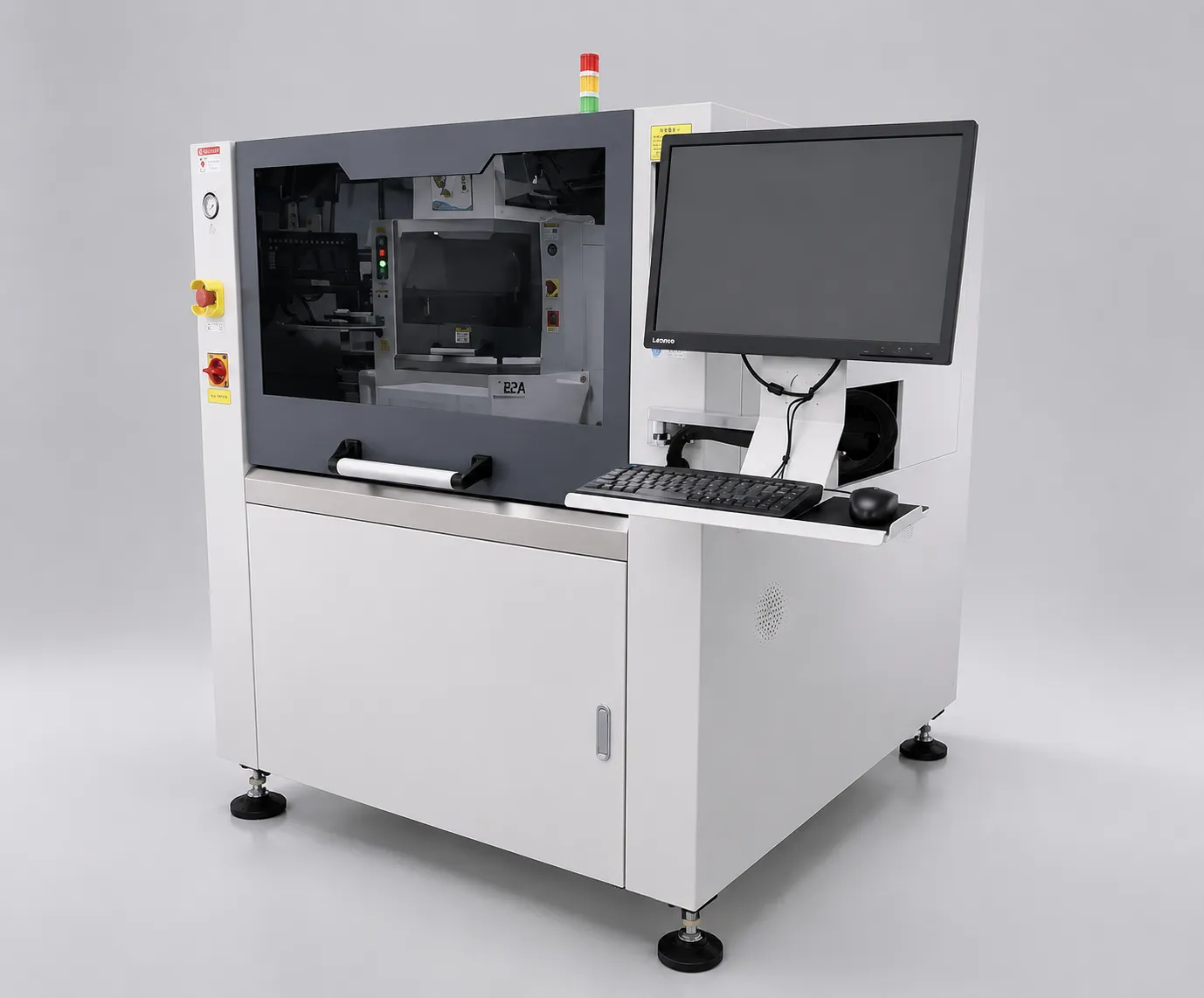 RelatedJHIMS L5 Solder Paste PrinterHigh-precision automatic SMT stencil printer for flexible mid-volume PCB assembly lines.View product →
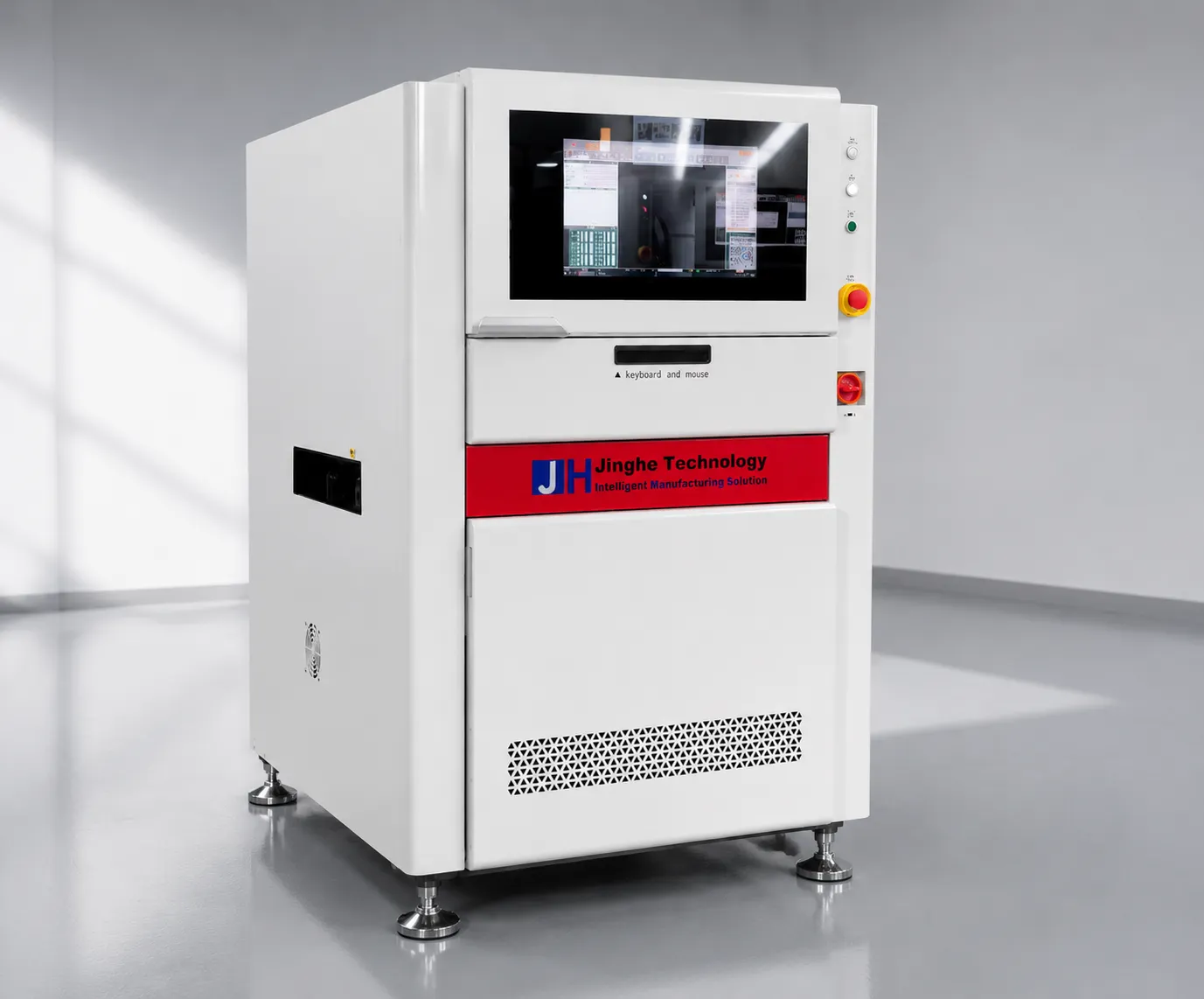 RelatedJHIMS R6-U UV Laser Marking Machine355nm UV laser marker for PCB traceability — QR and Data Matrix codes at high throughput.View product →
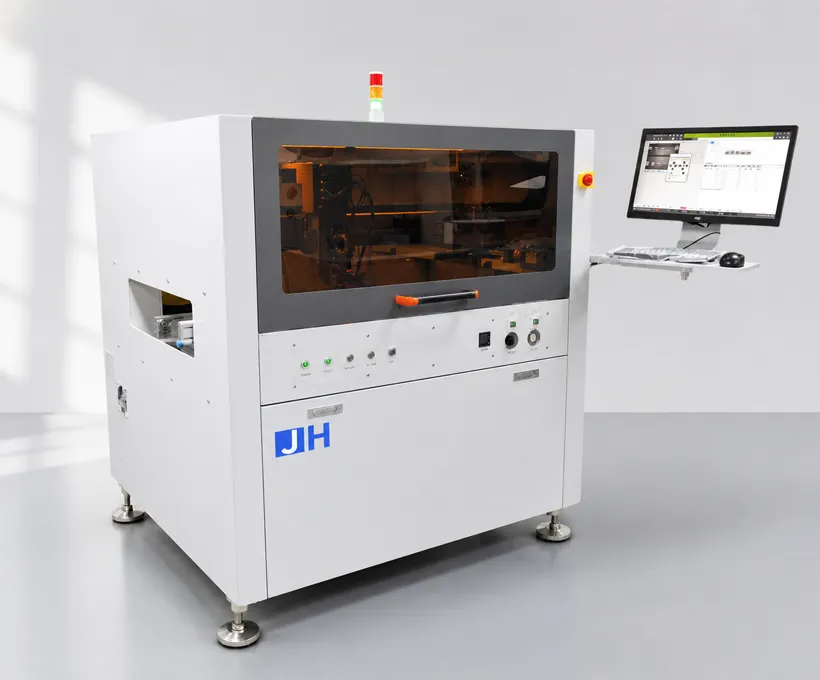 RelatedJH-D900 Glue Dispensing MachineHigh-precision automatic glue dispensing for SMT assembly — solder paste, adhesive and coating.View product →
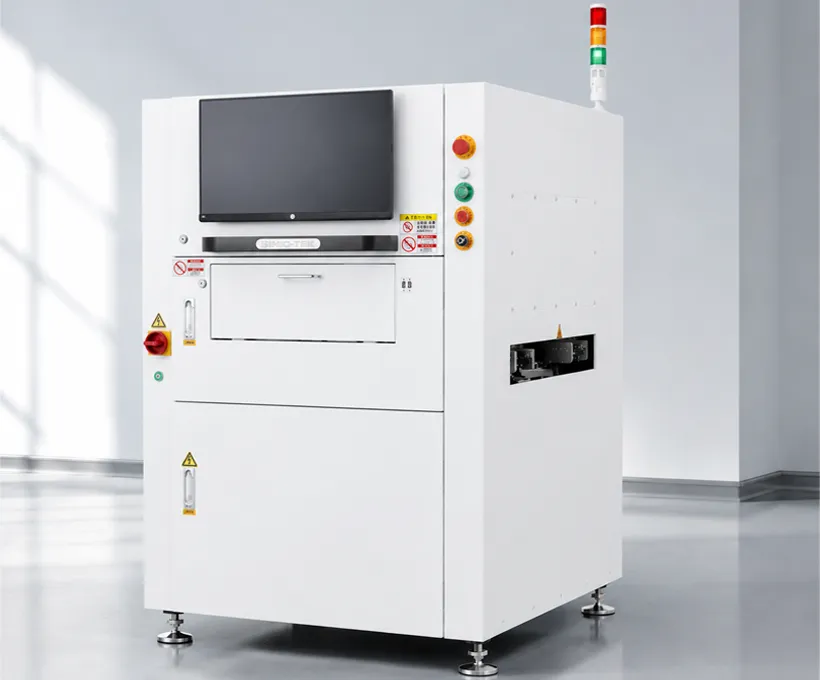 RelatedJHIMS S630 3D SPI3D solder paste inspection for SMT lines — detects volume, height and area defects before reflow.View product →
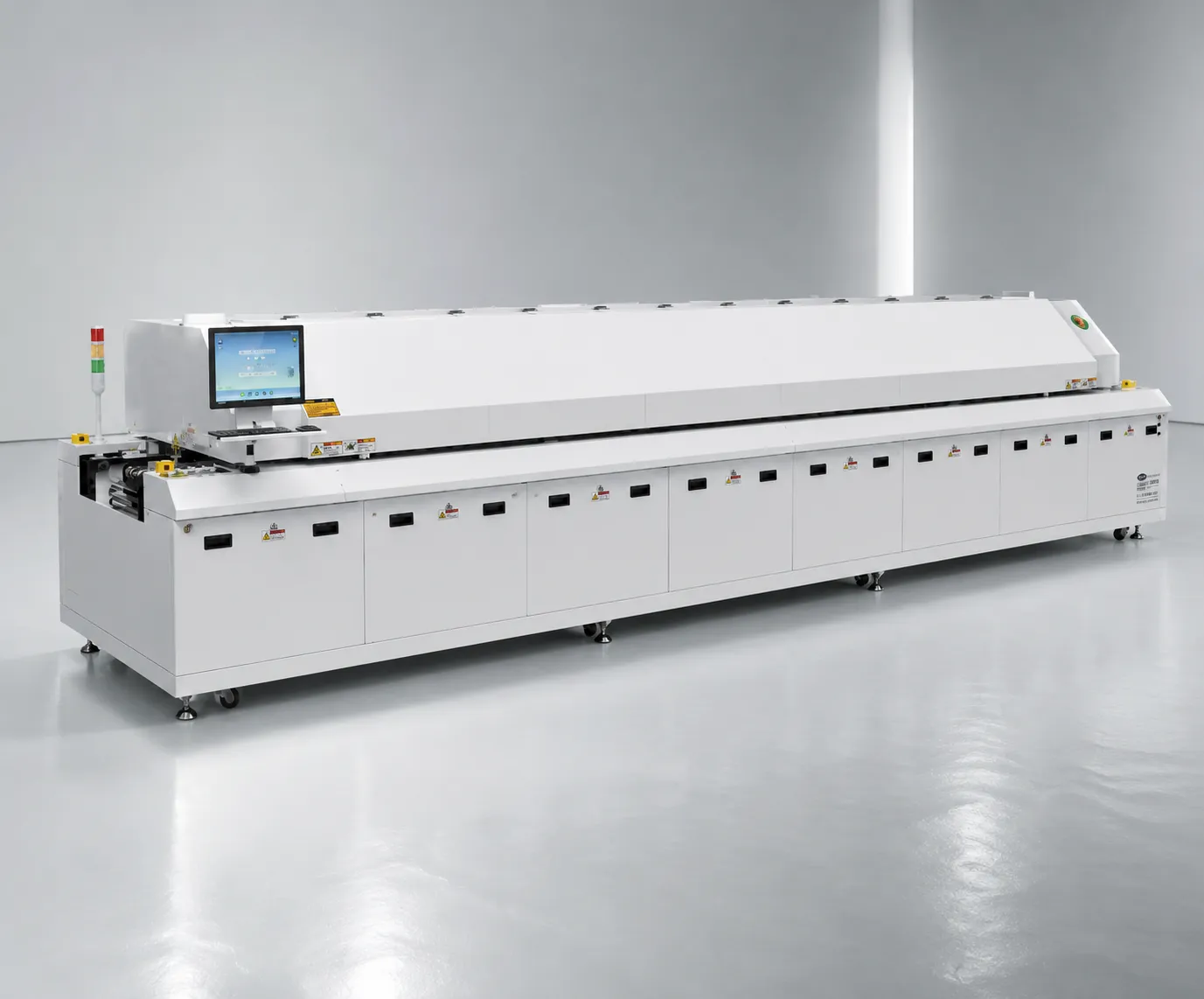 RelatedJHIMS R10 Reflow OvenLead-free hot-air reflow soldering for SMT lines — 20 heating zones, up to 300°C peak.View product →GuideL5 Solder Paste Printer GuideStep-by-step video guide for operating the JHIMS L5 solder paste printer.Read article →
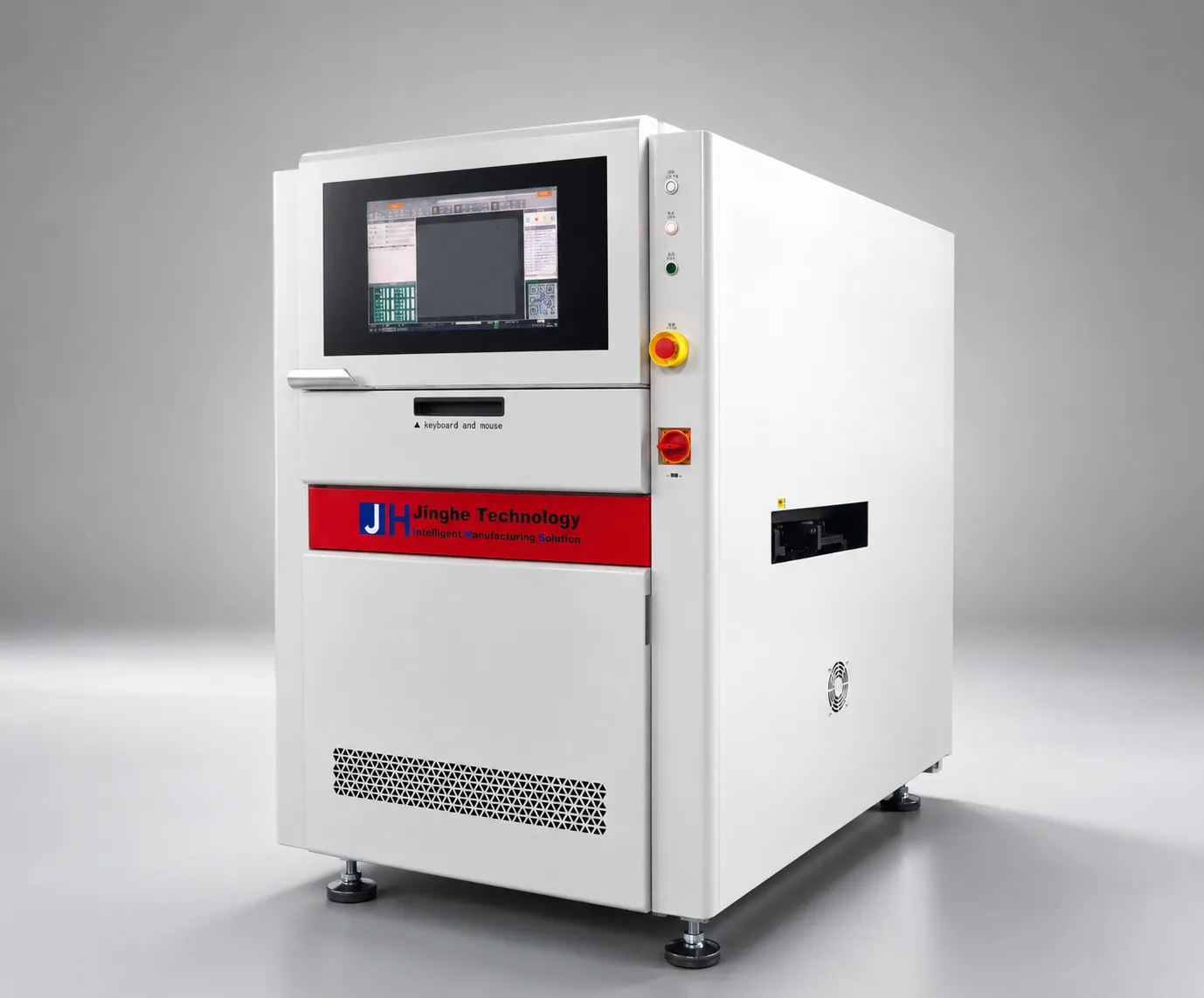 GuideR6-U UV Laser Marking Machine Guide9-step video guide: installation, laser calibration, QR marking workflow and troubleshooting.Read article →GuideD900 Dispensing Machine GuideStep-by-step video guide for operating the JH-D900 glue dispensing machine.Read article →Case StudyM8 Solder Printer Case StudyHow a Saudi Arabia LED plant uses the JHIMS M8 for mini-LED board printing.Read article →
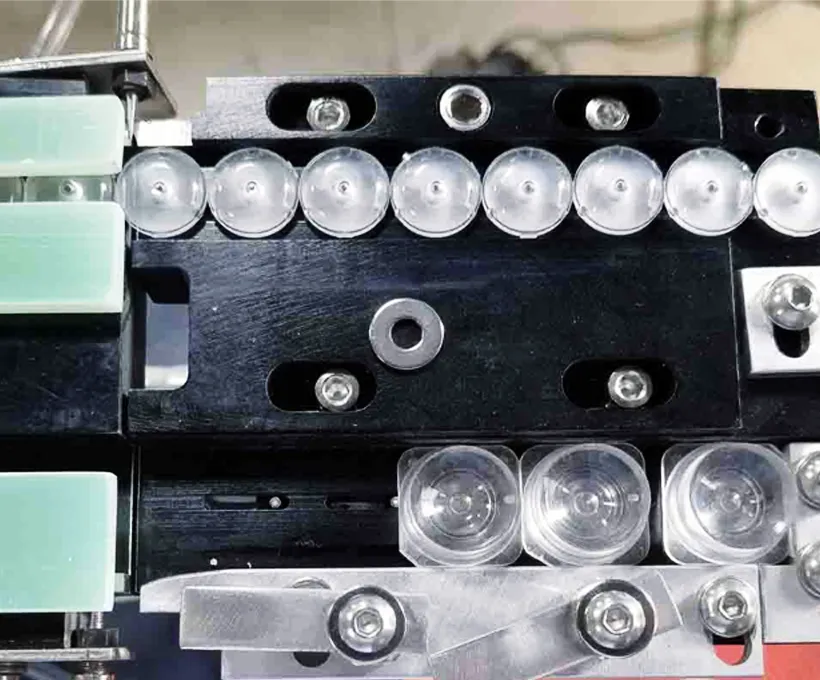 GuideDPS-2 Lens Feeder Troubleshooting Guide5 common lens-feeder issues ranked by probability with step-by-step fixes — most resolved in under 10 minutes.Read article →SupportTechnical SupportTraining, remote diagnostics and spare parts dispatch for your JHIMS line.Read article →
Contact our engineers for a free evaluation, first reply within 12 working hours (Mon–Sat, 09:00–23:00 China Standard Time, UTC+8).