Address
Building A1, Runteng Industrial Park, No. 4 Xishan Road, Longteng Community, Shiyan Subdistrict, Bao'an District, Shenzhen 518000, China
Work Hours
Monday to Saturday: 09:00 – 23:00 (UTC+8)
Sunday: closed
Address
Building A1, Runteng Industrial Park, No. 4 Xishan Road, Longteng Community, Shiyan Subdistrict, Bao'an District, Shenzhen 518000, China
Work Hours
Monday to Saturday: 09:00 – 23:00 (UTC+8)
Sunday: closed

Master the JHIMS D900 high-speed SMT dispensing machine with 11 progressive video tutorials — from power connection and basic operation to PCB production p.
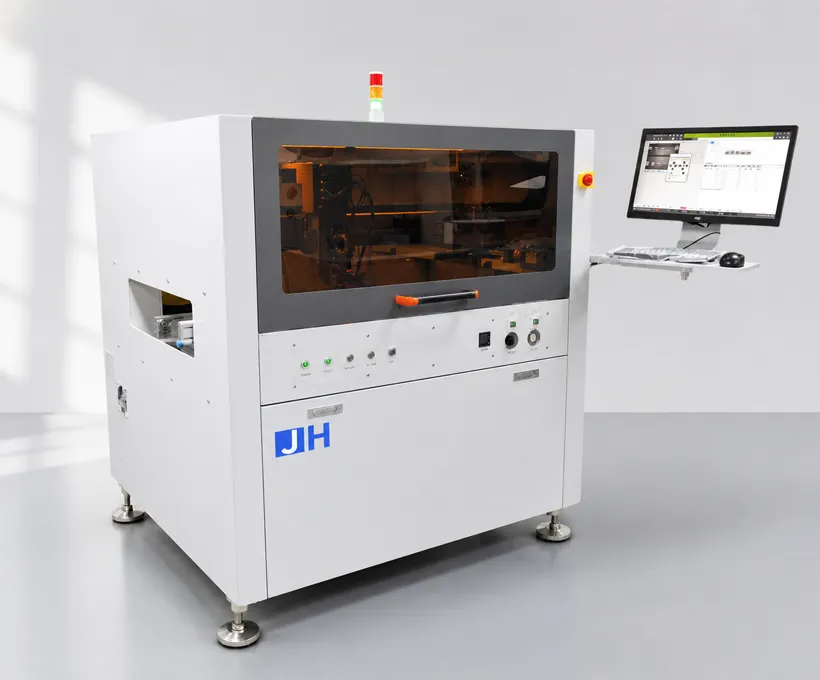
Master the JHIMS D900 dispensing machine in 11 short video tutorials — receiving the machine, power and air connections, programming, nozzle and valve maintenance, and production modes.
Click any step to open that tutorial video. The main player above shows the full 11-step sequence — click a step to play it in place.
Watch this video first: what to do when the JHIMS D900 arrives, so the machine is turned on correctly.
Connect the power cord and air pipe, then set the switches for power, air and PCB width. The video also covers the servo motor, lighting, valve temperature control and glue-barrel pressure (0.10–0.40 MPa).
Learn the step-by-step process to operate the JHIMS D900 dispensing machine effectively — from the main interface and program selection to running a dispensing job safely.
Explore advanced settings and operational tips to optimize performance: running speed, valve open/close time, heating control and valve position calibration using the correction platform.
Program the D900 for PCB production mode: engineering views for segmentation, work views for panels, trajectory views for point/line/arc (admin password 12345678). More: dispensing machine knowledge base.
Configure and perform nozzle maintenance to prevent clogs and ensure smooth operation. Set up automatic maintenance tasks for the nozzle after each PCB board to maintain optimal performance.
Familiarize yourself with the machine software interface, including key parameters and functions for glue dispensing and safety features, with multilingual support.
Learn about the structure, disassembly and working principle of the dispensing valve, including maintenance tips for precise glue dispensing.
Follow the instructions to disassemble, clean and reassemble the dispensing valve carefully to prevent issues and ensure longevity.
Discover methods for debugging and maintaining the dispensing valve, including air pressure and temperature adjustments, to keep the machine at peak performance.
For infrequent production programs: set glue dots and lines, choose straight-line, circle or semi-circle modes, adjust glue amount and line width, and use flight mode for speed.
Dispensing is repeatability at the milligram level — the same dot or line, in the same spot, cycle after cycle. It depends on the fluid’s viscosity, the dispense pressure and head speed, and a clean path from pot to tip.
| Symptom | Probable Cause | Probability | Correction |
|---|---|---|---|
| No fluid flow | Needle blocked by cured residue | 40% | Run purge; if blocked, clean needle in solvent |
| No fluid flow | Air line disconnected / regulator closed | 15% | Verify air at 0.4–0.6 MPa |
| Inconsistent dot size | Seal ring worn | 25% | Replace seal ring (fastest-wearing part) |
| Inconsistent dot size | Air pressure fluctuation | 10% | Check compressor dryer and regulator |
| Stringing / satellite drops | Needle retract too low or valve-open time long | 20% | Raise retract height; reduce open time |
| No fluid flow | Needle blocked by cured residue | – | Run purge; if blocked, clean needle in solvent |
| No fluid flow | Air line disconnected or regulator closed | – | Verify air at 0.5–0.7 MPa |
| Inconsistent dot size | Seal ring worn | – | Replace seal ring (fastest-wearing part) |
| Inconsistent dot size | Air pressure fluctuation | – | Check compressor dryer and regulator |
| Stringing / satellite drops | Needle retract too low or valve-open time long | – | Raise retract height; reduce open time |
| No dispensing when board arrives | Positioning photoelectric sensor blocked or dirty | – | Check sensor; remove glue covering the sensor head |
| No dispensing when board arrives | Digital amplifier settings incorrect | – | Verify green signal level; adjust to minimum |
| No dispensing when board arrives | IO signal missing | – | Check IO point signal in the software |
| Positioning camera not working | Camera disabled in software | – | Enable camera function in software settings |
| Positioning camera not working | Camera cable loose or damaged | – | Reseat or replace the camera cable |
| Auto height correction not working | Height correction point dirty | – | Clean the correction point surface |
| Auto height correction not working | Data cable damaged | – | Check and replace the data connection cable |
| Valve cannot dispense | Glue barrel empty | – | Refill glue; verify barrel pressure 0.10–0.40 MPa |
| Valve cannot dispense | Valve clogged | – | Disassemble and clean the valve (Step 9) |
| Skipped dots in flight mode | Row end dot not grouped in column mode | – | Check column grouping for each flight row |
| Drift after maintenance | Valve position not recalibrated | – | Run valve correction; align crosshair to dot center |
| Frequency | Task | Method |
|---|---|---|
| Daily | Check air pressure and fluid level; purge nozzle before first batch. | Regulator gauge + 3s test dispense |
| Daily | Keep the dispensing area clean; wipe spilled fluid promptly. | Lint-free cloth |
| Weekly | Lubricate all key moving parts (ball screws, guides). | Lubricating oil |
| Weekly | Clean nozzle exterior and valve seat. | Soft cloth + IPA |
| Monthly | Check fixing screws of moving parts; tighten if loose. | Wrench set |
| Periodic | Wipe the positioning camera lens with a clean lint-free cloth. | Lint-free cloth |
| Idle periods | Drain all glue from the tube and clean the glue gun to prevent clogging. | Solvent |
| Shutdown | Stop via software → close software → shut down PC → stop button → main breaker OFF → unplug power → regulator to 0 psi → close air. | — |
| Parameter | Recommended | Allowed Range | Notes |
|---|---|---|---|
| Air supply | 0.5 – 0.7 MPa (5.0–7.0 kgf/cm²) | Dry air, dew point ≤ -17°C | Per user manual |
| Glue barrel pressure | 0.10 – 0.40 MPa | Adjust per fluid | Too high affects dispensing |
| Dispensing frequency | Up to 3000 Hz | Depends on fluid & needle | High-speed production |
| Operating temperature | +10°C to +30°C | Humidity ≤50%RH(35°C) | Transport -10 to +60°C |
| Motion system | Three-axis ball screws + servo motors | — | Stable high-speed platform |
| Jetting valve | In-house design (IP) | Replaceable seal ring | Fastest-wearing part |
| Track | Dual-track configurable | Independent control | Reduces wait time |
| Vision | Automatic position recognition & compensation | Non-contact laser height sensing | — |
| Control software | UFD / IEM, multilingual | Admin password 12345678 | Simple programming |
| Machine weight | ~1000 kg class | Dimensions per model | AT-D450 / D900C / D1200 series |
Needle/valve condition, air pressure and motion speed decide dot quality. If dots are inconsistent, check the seal ring first, then air stability, then valve-open time. Line partners: L5 guide, M8 guide.
A clogged needle wastes fluid and causes skip-dispensing. Purge before the first batch and set up automatic nozzle maintenance after each PCB board (Step 6) to prevent clogs.
When a board arrives but no dispensing action starts, check the positioning photoelectric sensor, the digital amplifier settings, and the IO signal before suspecting the valve itself.
Flight mode improves cycle time but only for regular dot patterns — the end dot of each row must be grouped in column mode, otherwise the machine skips dots.
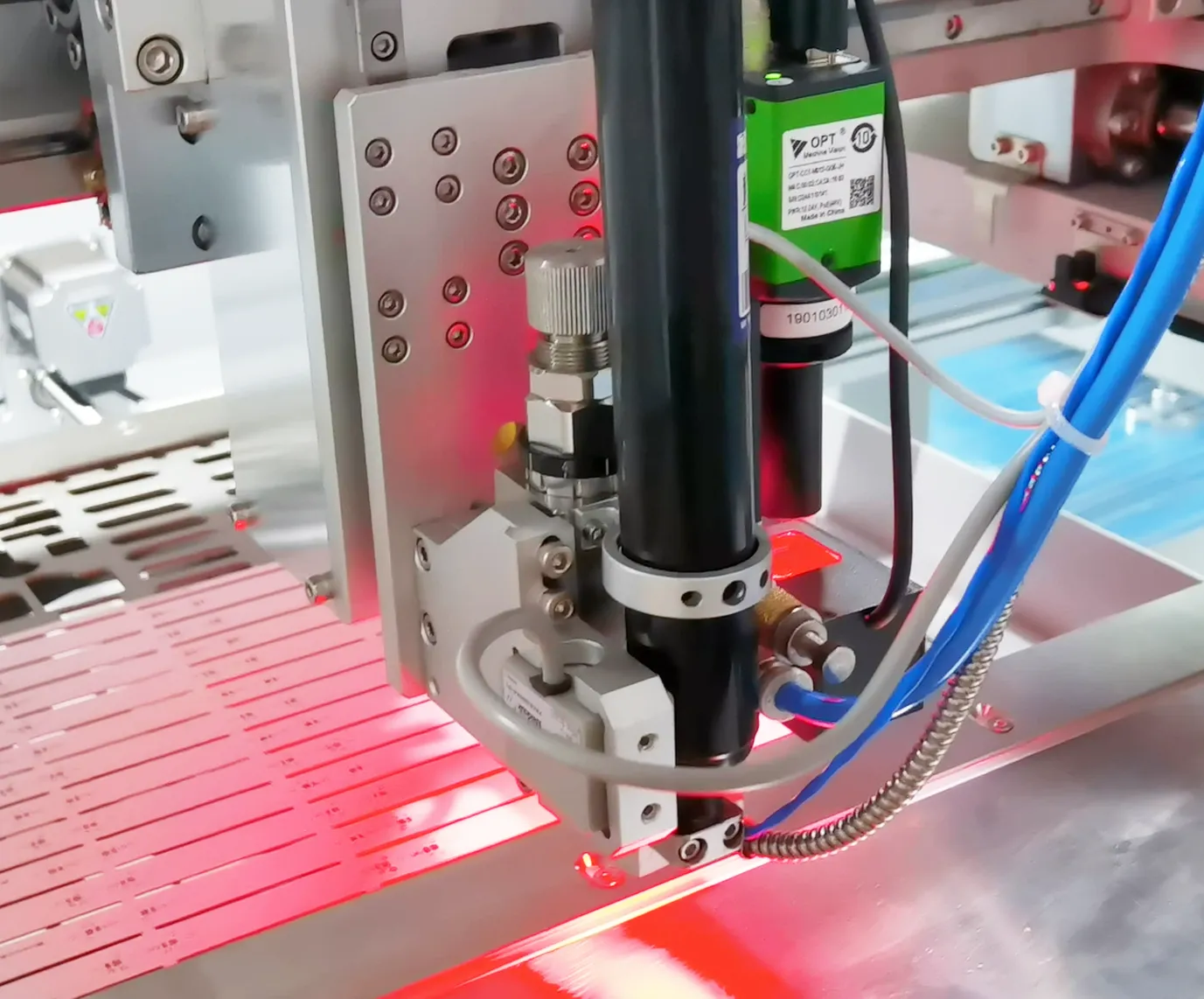 RelatedJH-D900 Glue Dispensing MachineHigh-speed dispensing machine with precision three-axis motion, jetting valve and dual-track — up to 3000 Hz.View product →
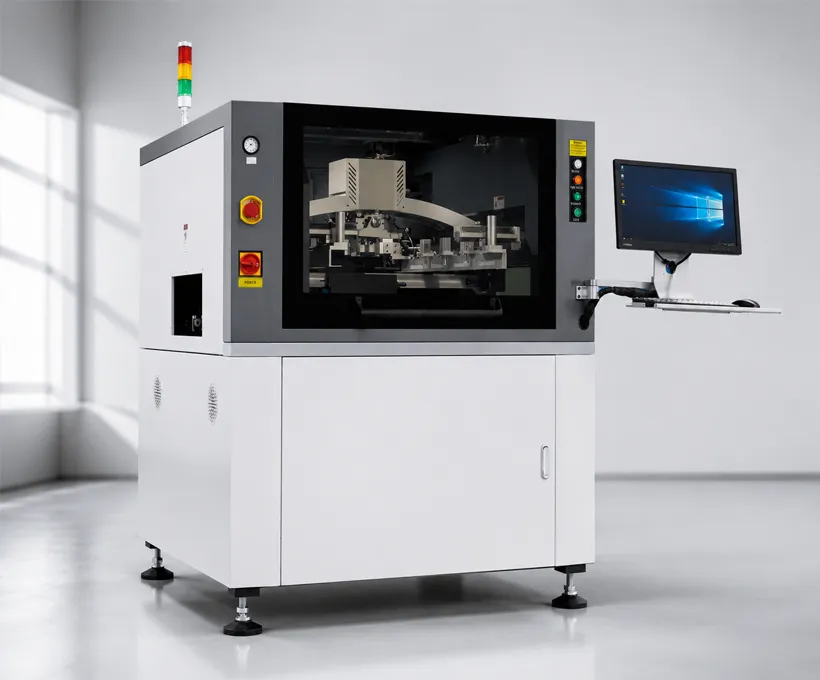 RelatedJHIMS M8 Solder Paste PrinterFully automatic vision solder paste printer for larger boards — CCD alignment (±0.01mm) and 2D inspection.View product →
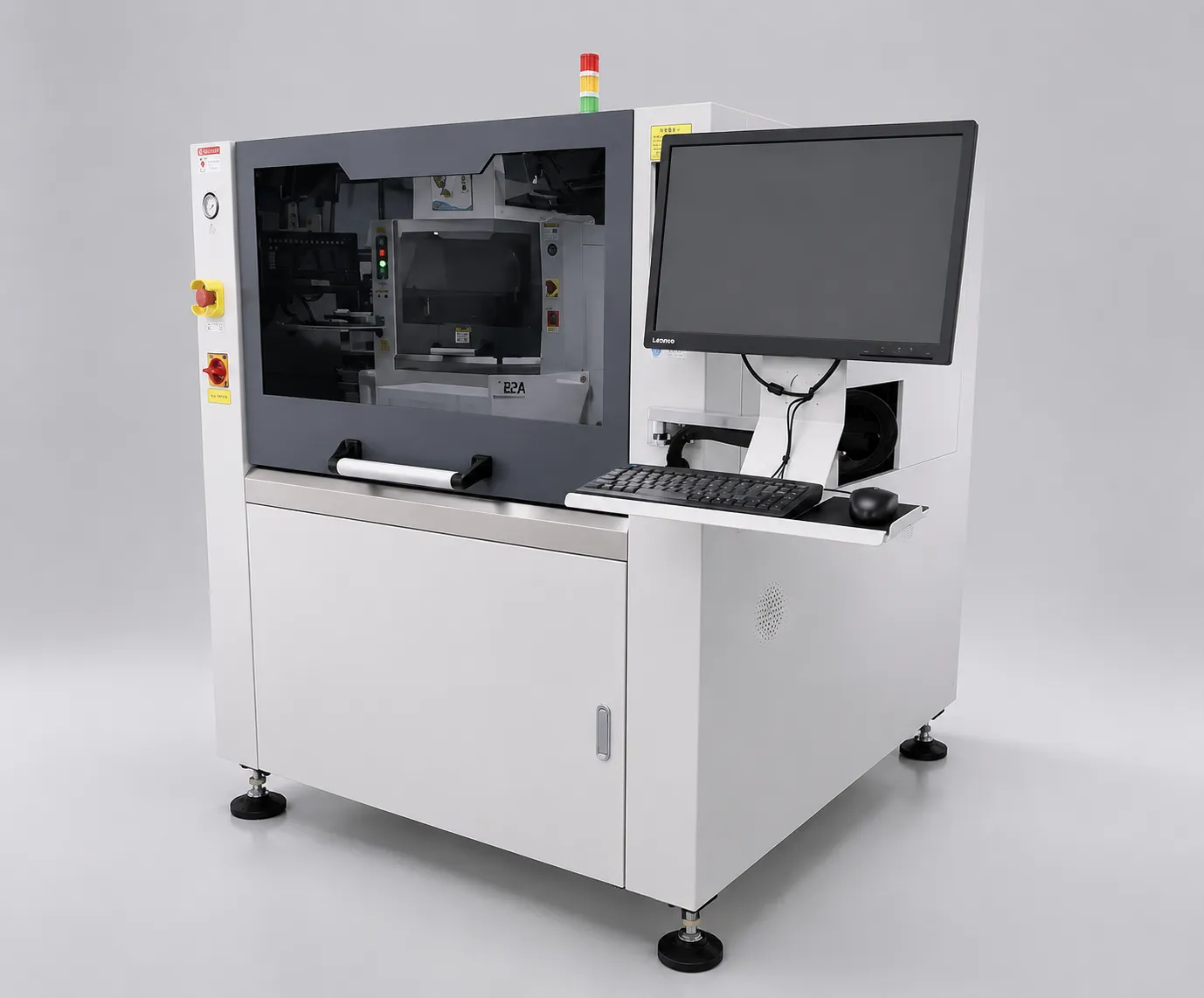 RelatedJHIMS L5 Solder Paste PrinterFully automatic visual solder paste printer with ±0.025mm accuracy and integrated 2D inspection.View product →
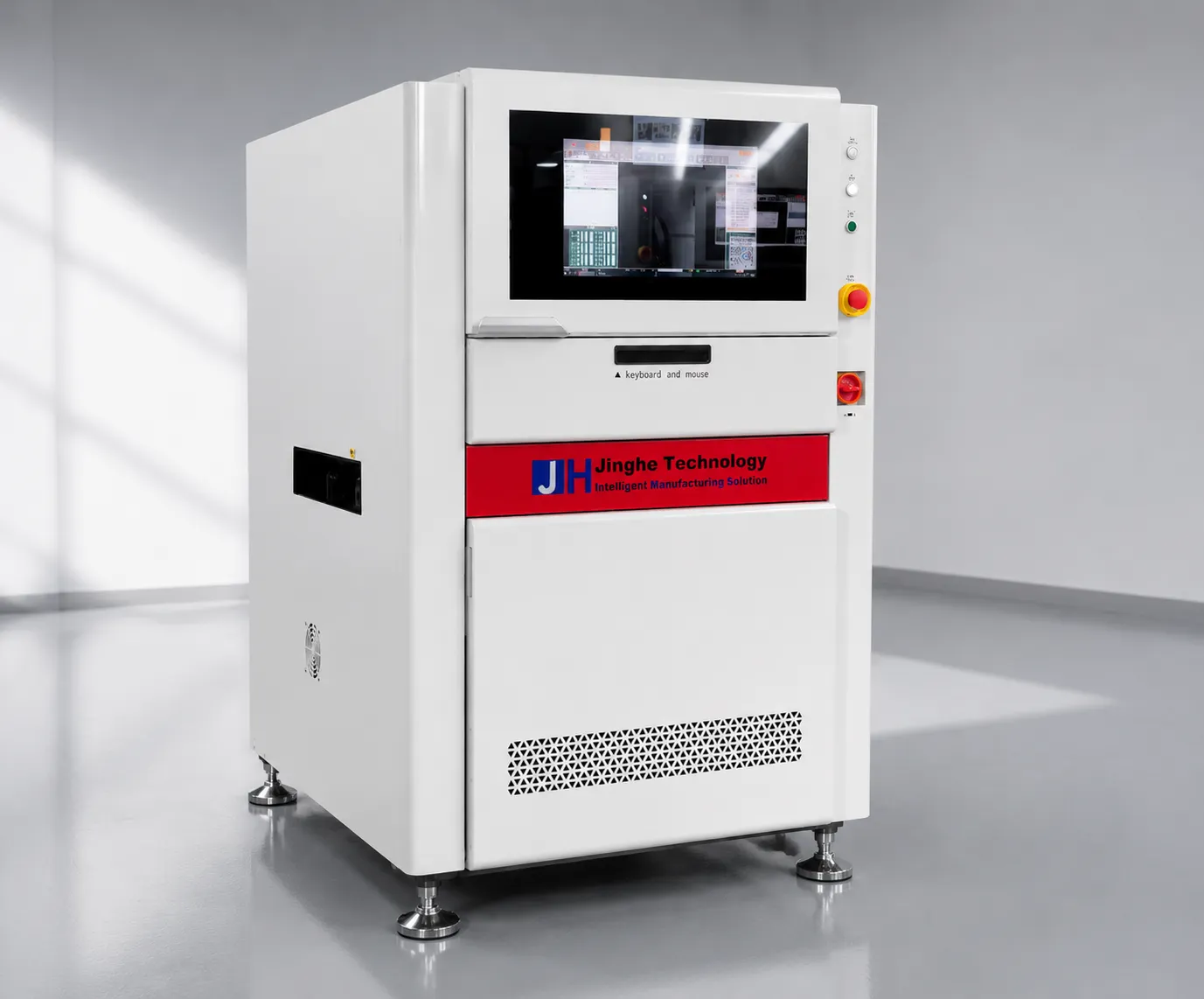 RelatedJHIMS R6-U UV Laser Marking Machine355nm UV laser marker for PCB traceability — QR and Data Matrix codes at high throughput.View product →
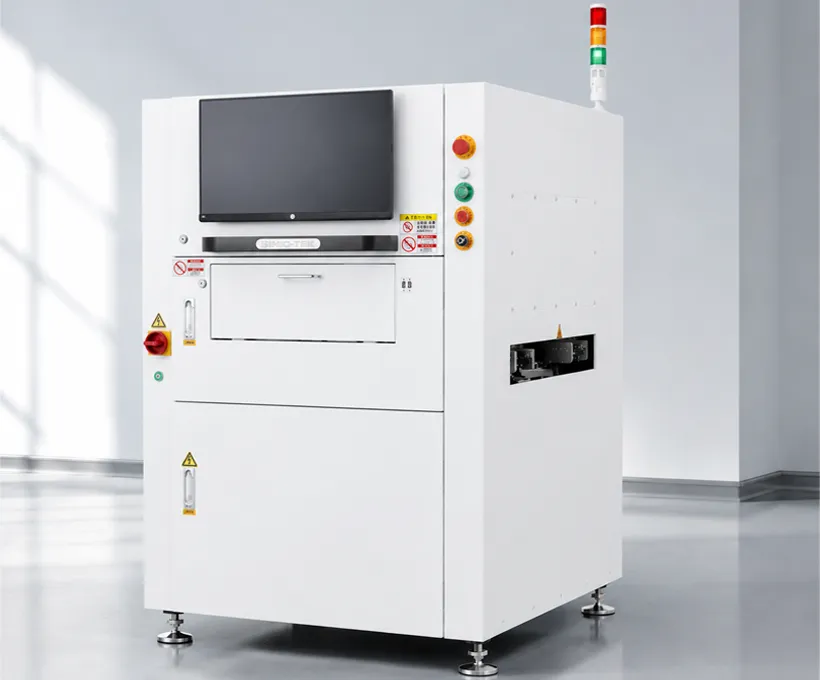 RelatedJHIMS S630 3D SPI3D solder paste inspection for SMT lines — detects volume, height and area defects before reflow.View product →
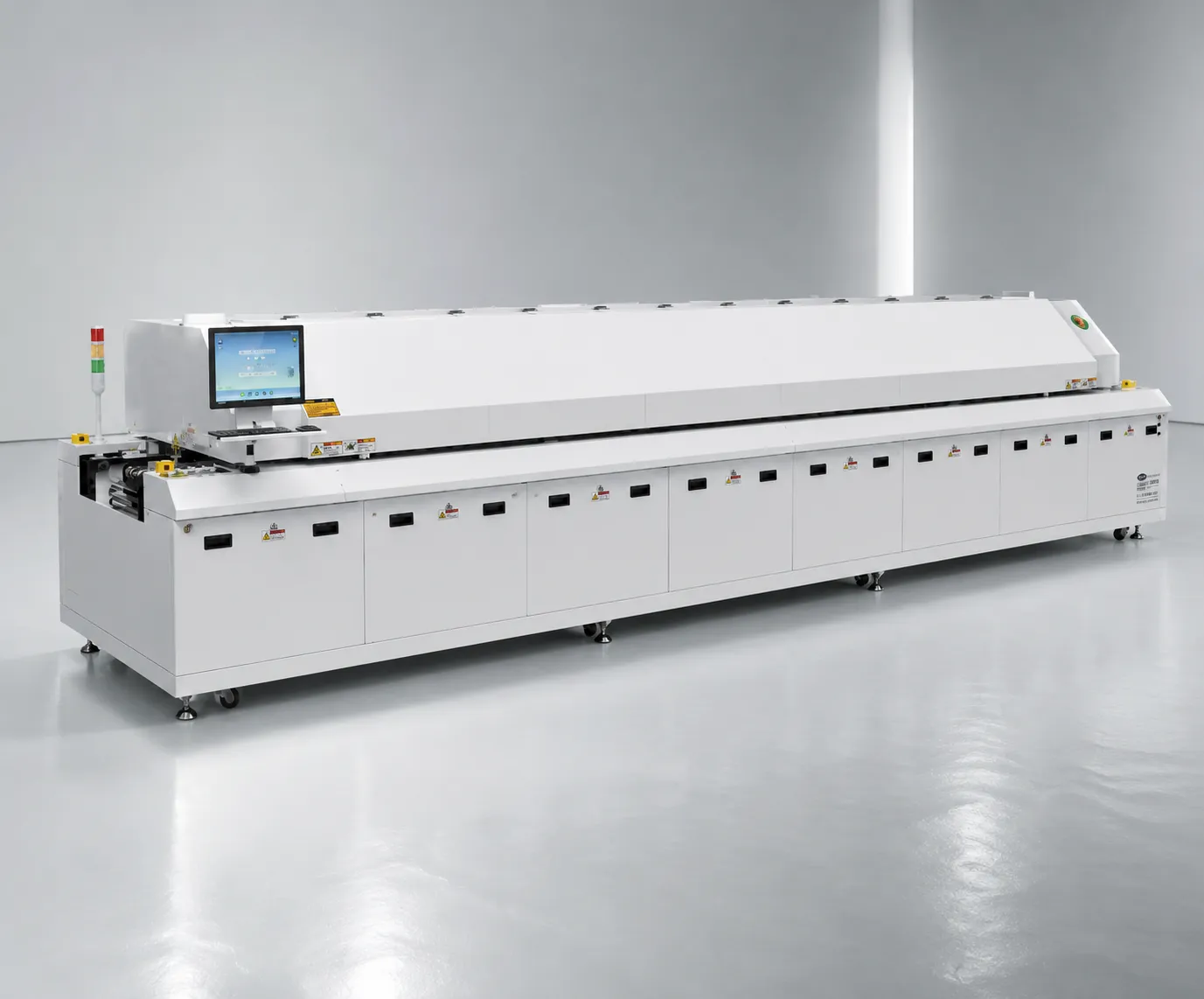 RelatedJHIMS R10 Reflow OvenLead-free hot-air reflow soldering for SMT lines — 20 heating zones, up to 300°C peak.View product →
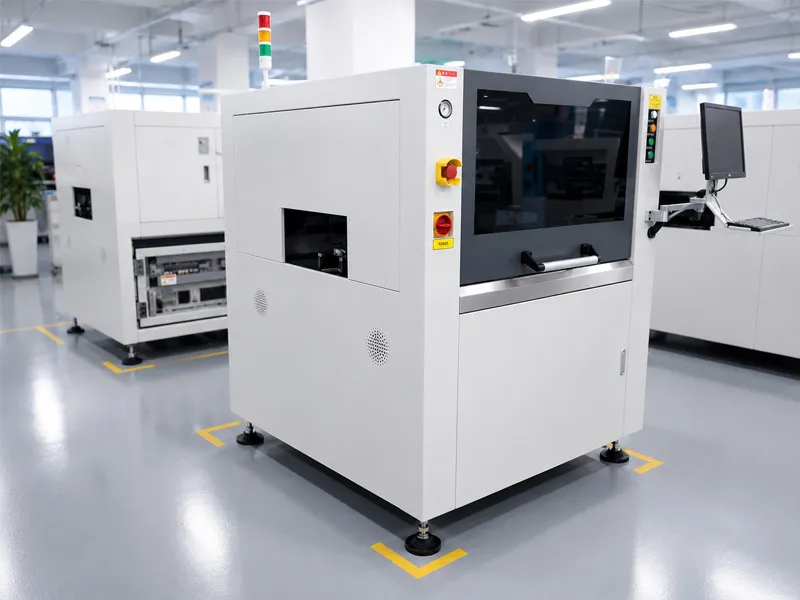 GuideL5 Solder Paste Printer GuideStep-by-step video guide for operating the JHIMS L5 solder paste printer.Read article →
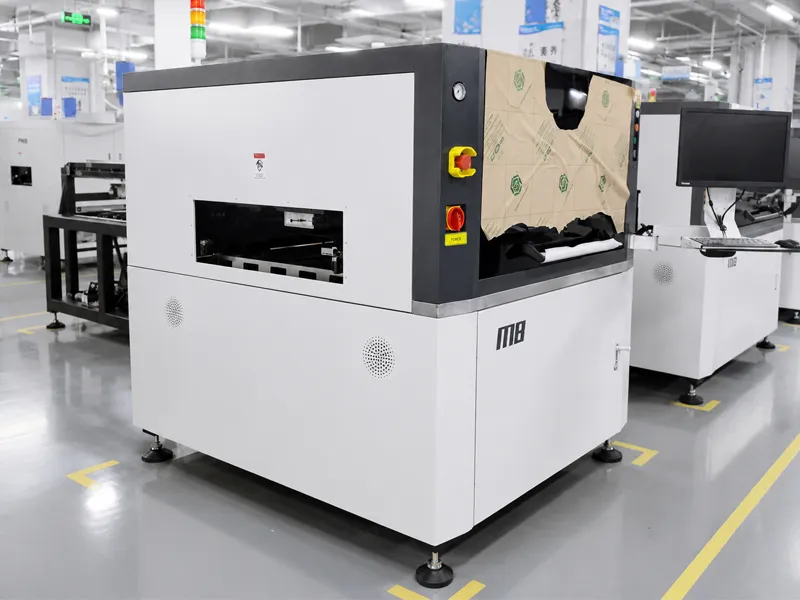 GuideM8 Solder Paste Printer GuideStep-by-step video guide for operating the JHIMS M8 solder paste printer.Read article →
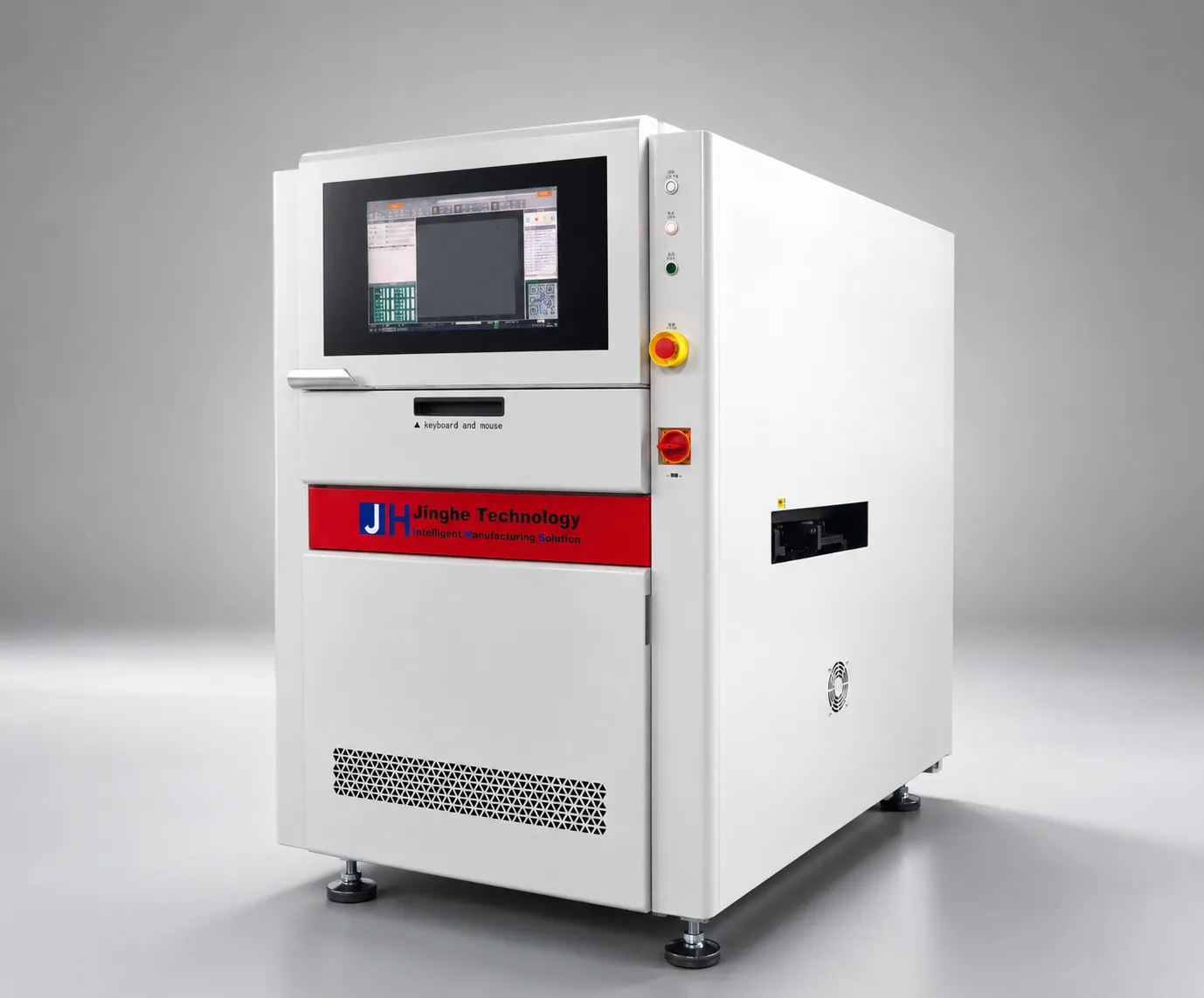 GuideR6-U UV Laser Marking Machine Guide9-step video guide: installation, laser calibration, QR marking workflow and troubleshooting.Read article →
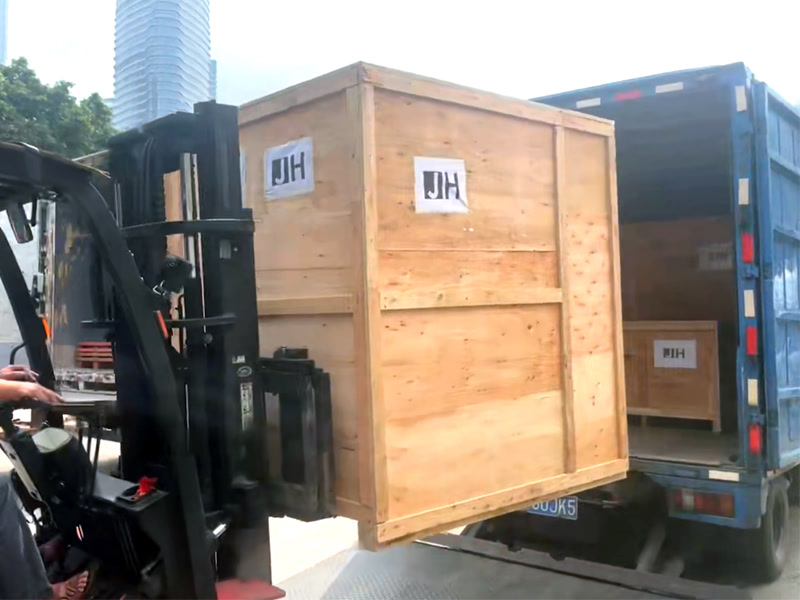 Case StudyM8 Solder Printer Case StudyHow a Saudi Arabia LED plant uses the JHIMS M8 for mini-LED board printing.Read article →
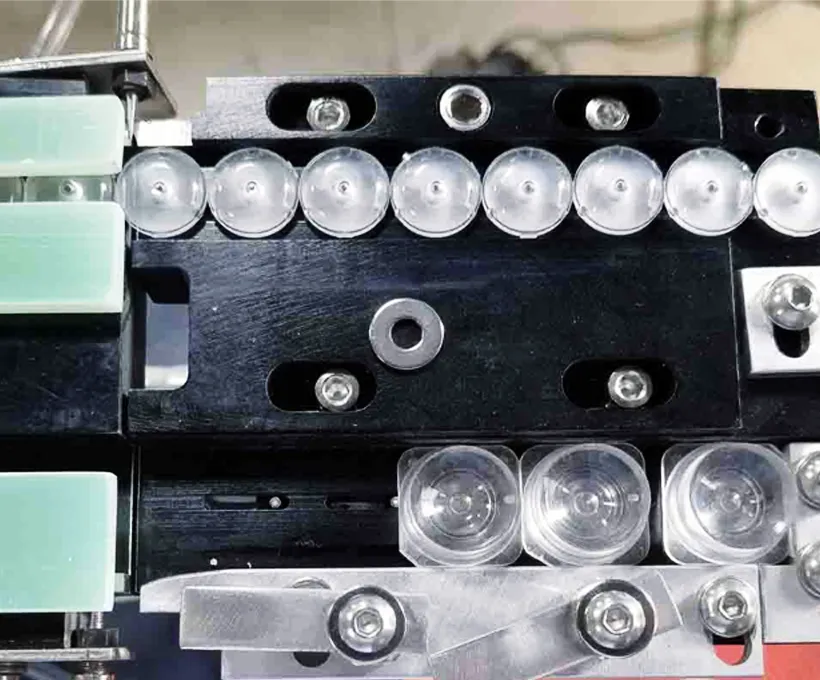 GuideDPS-2 Lens Feeder Troubleshooting Guide5 common lens-feeder issues ranked by probability with step-by-step fixes — most resolved in under 10 minutes.Read article →
 SupportTechnical SupportTraining, remote diagnostics and spare parts dispatch for your JHIMS line.Read article →
Contact our engineers for a free evaluation, first reply within 12 working hours (Mon–Sat, 09:00–23:00 China Standard Time, UTC+8).