Address
Building A1, Runteng Industrial Park, No. 4 Xishan Road, Longteng Community, Shiyan Subdistrict, Bao'an District, Shenzhen 518000, China
Work Hours
Monday to Saturday: 09:00 – 23:00 (UTC+8)
Sunday: closed
Address
Building A1, Runteng Industrial Park, No. 4 Xishan Road, Longteng Community, Shiyan Subdistrict, Bao'an District, Shenzhen 518000, China
Work Hours
Monday to Saturday: 09:00 – 23:00 (UTC+8)
Sunday: closed

Video tutorial for the JHIMS LMFD LB label feeder on FUJI NXT modules — installation and threading, feed pitch, the fault diagnosis table, maintenance cycles and the field rules that keep labels feeding at ±0.1 mm.
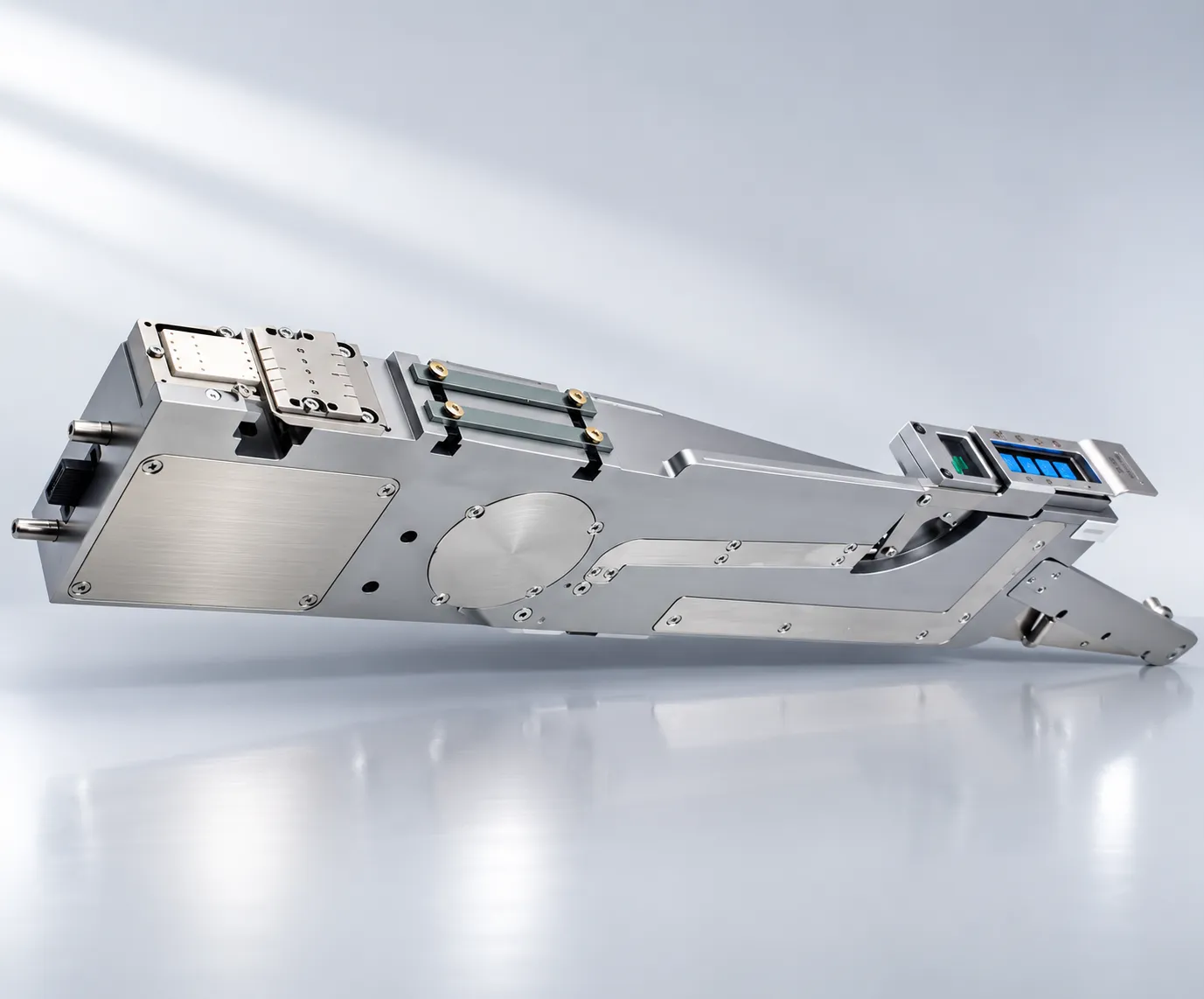
Video tutorial for the JHIMS LMFD LB label feeder on FUJI NXT modules — installation and threading, feed pitch, the fault diagnosis table, maintenance cycles and the field rules that keep labels feeding at ±0.1 mm.

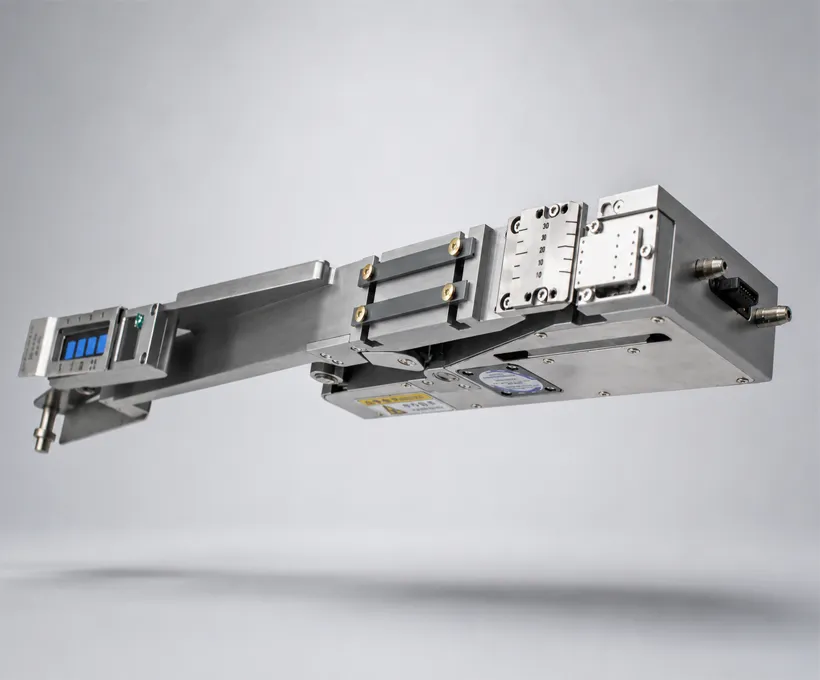
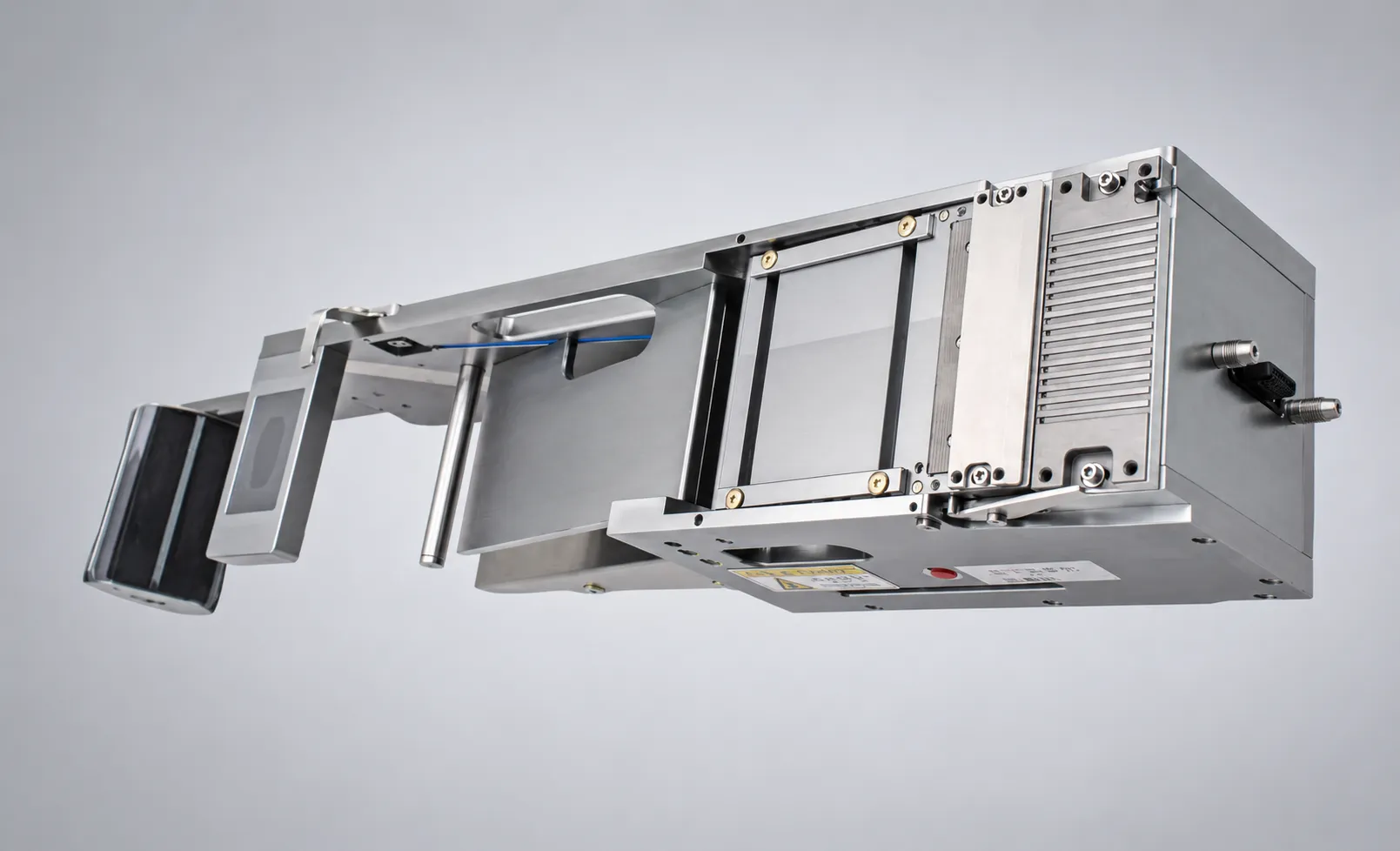
The LMFD-LB ships with the label feeder itself (14PIN standard interface), an ARM-based touch-screen controller (installed), a label roll guide set with tension adjustment kit, mounting hardware for the FUJI NXT feeder bank, and the user manual and calibration certificate. Verify all items before installation.
Power off the FUJI NXT module and open the feeder bank cover. Slide the LMFD-LB into an available feeder slot — the 14PIN interface mates automatically with the NXT feeder bank connector. Lock the feeder in place with the wedge lock. You need no wiring or PLC integration. Power the module back on: the NXT system recognizes the label feeder as a feeder device. Load the label roll and thread the backing paper through the guide rollers until the first label reaches the peeler edge.
Press PROFILE → NEW on the touch screen. Enter the label length, width and feed pitch (mm). Set the feed speed up to 120mm/s and verify the peeler edge position. Save the profile. Switching between saved label types takes under 3 seconds — no reprogramming and no external computer. The ARM-based controller stores up to 50 product profiles.
The LMFD-LB delivers ±0.1mm X/Y feeding precision through fiber optic sensor positioning and pulse compensation. The feeder verifies every label at the peeler edge before the pick-and-place nozzle picks it. It rejects and re-feeds failed labels automatically, ensuring barcode and QR readability at AOI and ICT with zero scan failures.
Choose the model by maximum tape width: LMFD-LB-NXT25 (25mm), NXT40 (40mm), NXT88 (88mm) or NXT100 (100mm). All models are compatible with FUJI NXT III, NXT II, AIMEX, NXTR and XPF platforms (M3, M6, M6S, AIMEX, NXTR, XPF — single column).
Weekly: wipe the peeler edge and guide rollers with isopropyl alcohol; check the backing paper path for residue. Monthly: verify feed pitch accuracy against the controller reading and clean the fiber optic sensor window. The rubber feed wheel is rated for long service (about 3 years) — replace it when labels slip or pitch drifts. Keep the 14PIN connector free of dust with compressed air during monthly checks.
Label feeding looks simple but turns on precision tension and detection. The feeder has to peel a label off its liner, present it to the placement head at a consistent position, and tell the machine a part has been fed — every cycle, without breaking the fragile component labels SMT demands. The variables that govern this are the peel and feed tension, the air-assist and detection settings, and the cleanliness of the feed path. Let them drift and you get misfeeds, double-fed or wrinkled labels, and lost placement accuracy. The sections below are the field knowledge that goes beyond the operator manual: diagnosing a feeding fault, the consumables and filters, the maintenance cycle, and a parameter reference for reliable setup.
| Symptom | Probable Cause | Probability | Correction |
|---|---|---|---|
| No label at peeler edge | Empty roll / backing paper not threaded | 40% | Load new roll; re-thread through guide rollers |
| Feed pitch drift | Rubber wheel wear / residue | 25% | Clean wheel; replace if worn |
| Feeder not recognized by NXT | 14PIN connector dirty / not fully seated | 20% | Clean connector; re-seat feeder in slot |
| Label skew > ±0.1mm | Roll guide loose / sensor window dirty | 10% | Re-tighten guide; clean fiber optic sensor |
| Frequent misfeeds | Wrong profile pitch settings | 5% | Re-enter label pitch; verify with test feed |
| No label at peeler edge | Empty roll / backing paper not threaded | – | Load new roll; re-thread through guide rollers |
| Feed pitch drift | Rubber wheel wear / residue | – | Clean wheel; replace if worn |
| Feeder not recognized by NXT | 14PIN connector dirty / not fully seated | – | Clean connector; re-seat feeder in slot |
| Label skew > ±0.1mm | Roll guide loose / sensor window dirty | – | Re-tighten guide; clean fiber optic sensor |
| Frequent misfeeds | Wrong profile pitch settings | – | Re-enter label pitch; verify with test feed |
| No label at peeler edge | Peeler edge blocked by adhesive residue | – | Clean peeler edge with isopropyl alcohol |
| Labels jam in guide rollers | Backing paper path mis-threaded | – | Re-thread through the guide rollers |
| Label pitch drift after changeover | Old profile still active | – | Switch to the correct profile and verify |
| Feeder drops during production | Wedge lock not fully seated | – | Power off and re-lock the wedge lock |
| Labels not picked by nozzle | Label not at peeler edge when nozzle arrives | – | Verify feed timing in the NXT program |
| Barcode scan failures at AOI | Label skewed beyond ±0.1mm | – | Check roll guide and sensor window |
| Intermittent misfeeds | Fiber optic sensor window dirty | – | Clean the sensor window |
| Feeder feeds two labels at once | Tension adjustment too loose | – | Tighten the tension adjustment kit |
| Profile lost after power cycle | Profile not saved | – | Press PROFILE → SAVE after editing |
| Backing paper tears | Roll guide sharp edge / wrong threading | – | Inspect guide; re-thread paper |
| Low feed speed | Speed limited in profile | – | Raise feed speed up to 120mm/s in profile |
| Frequency | Task | Notes |
|---|---|---|
| Weekly | Wipe peeler edge and guide rollers with isopropyl alcohol | Check backing paper path for residue |
| Monthly | Verify feed pitch against controller reading | Clean fiber optic sensor window |
| Monthly | Blow dust out of the 14PIN connector with compressed air | Keep connector free of dust |
| Every ~3 years | Replace rubber feed wheel when labels slip or pitch drifts | Rated for long service |
Label feeding fails gradually rather than suddenly, which is why the maintenance intervals matter more than they appear to. Adhesive residue on the peeler edge builds up over a week of production until labels start to release at an angle or stick to the edge, and that is the point at which misfeeds begin — so weekly wiping with isopropyl alcohol prevents a fault rather than responding to one. The backing paper path deserves the same attention: residue in the guide rollers changes the path length slightly, and a small change in path length becomes a pitch error at the placement position.
The monthly items are about keeping the measurement chain honest. Verifying feed pitch against the controller reading confirms that the feeder is delivering the profile value rather than an accumulated drift, and cleaning the fiber optic sensor window protects the positioning accuracy of ±0.1 mm, because the sensor is what tells the controller where the label is. Blowing dust out of the 14PIN connector keeps the electrical interface reliable — a partially compromised connector produces intermittent errors that look like controller faults. Replacing the rubber feed wheel every roughly three years, or as soon as labels slip, is the one item that should never be compensated for by raising tension: higher tension masks wear at the cost of skew and premature wear elsewhere.
| Parameter | Recommended | Allowed Range | Notes |
|---|---|---|---|
| Body material | Hard aluminum alloy + finishing | — | Dual-pin and rail positioning, wedge lock |
| Host connection | 14PIN standard interface | AWG24 wire | Automatic mating with NXT feeder bank |
| Supply voltage | DC 24V | Rated current 1.5A / peak 2.0A | — |
| Vacuum (optional) | 0.4 – 0.6 MPa, 4mm tube | Selectable | Vacuum adsorption |
| Controller | ARM-based, custom drive & control integration | Touch screen | Independently developed software |
| Operation mode | Manual / auto feed / line mode | Touch screen parameters | — |
| Drive motor | Stepping motor | — | — |
| Label positioning | Fiber optic positioning + pulse compensation | — | ±0.1mm X and Y |
| Max feed speed | 120 mm/s | Adjustable | Per profile |
| Feeding precision | X ±0.1mm, Y ±0.1mm | — | Verified at peeler edge |
| Applicable package | Roll paper tape, packaging tape | — | — |
| Applicable materials | Labels, metal pieces, foam, film | — | — |
| Label rows | Single / multiple, ≤8 pcs per row | — | — |
| Label size | Min 2×2mm single row, thickness ≥0.05mm | — | — |
| Peeling method | Forward push stripping | — | — |
| Label change | Stop and manual operation | Waste recovery: yes | — |
| Lack-of-label alarm | Error and intelligent stop | — | — |
| Compatible platforms | FUJI NXT III / NXT II / AIMEX / NXTR / XPF | Single column | Models: NXT25/40/88/100 |
Three variables control label feeding: profile pitch, the fiber optic sensor, and the rubber feed wheel. The same feeder-bank workflow powers our other SMT peripherals. See the DPS-2 lens feeder troubleshooting guide for the vibratory feeder companion. When labels misfeed, check the profile pitch first (wrong pitch is the most common cause). Then clean the sensor window. Finally inspect the wheel for wear.
Every label is verified at the peeler edge before the pick-and-place nozzle picks it. Feeding verification keeps barcode and QR readability at AOI and ICT at zero scan failures – see the JHIMS technical support page for line integration help. It rejects and re-feeds failed labels automatically. This keeps barcode and QR readability at AOI and ICT at zero scan failures.
The 14PIN interface mates automatically with the NXT feeder bank connector. You need no wiring or PLC integration. The wedge lock is the only mechanical fix, so installation takes about 5 minutes.
The ARM controller stores up to 50 product profiles with under 3-second changeover. For mixed-production lines, keep one profile per label type and switch by touch screen — no external computer needed.
The first two mistakes happen during installation and are the most expensive. Forcing the feeder into the module slot instead of sliding it squarely can bend the 14PIN pins, which turns a two-minute installation into a repair; the wedge lock exists so that the feeder is seated by geometry rather than by force. Threading the backing paper without engaging the guide rollers causes label skew and misfeeds that look like a tooling problem, when in fact the paper path was never established correctly — and because skew is only visible as an accumulation, it is usually discovered much later than it was created.
The remaining four are profile and cleaning discipline. Entering the wrong feed pitch in the profile produces pitch drift and AOI scan failures, which is why the profile should be created from the label specification rather than copied from a similar product. Skipping the weekly peeler-edge clean lets adhesive residue build until labels jam, and ignoring the fiber optic sensor window degrades positioning accuracy below ±0.1 mm. Running with a partially seated wedge lock can drop the feeder during production — a failure that damages hardware and interrupts the line, and that is entirely avoidable by confirming the lock before the module starts.
These rules describe a working routine rather than a set of preferences, and their order reflects the sequence in which problems appear. Powering the FUJI NXT module off before installing or removing a feeder protects both the connector and the operator. Threading the backing paper through the guide rollers until the first label reaches the peeler edge establishes the path the feeder was designed around, and it is the step most often done approximately. Saving a separate profile for every label type — changeover between profiles takes under three seconds — is what makes mixed production practical without re-teaching.
The remaining four rules are about keeping the result stable. Verifying the first labels with a test feed after any profile change or maintenance confirms that the delivered pitch matches the profile rather than assuming it. Weekly cleaning of the peeler edge with isopropyl alcohol addresses the single most common cause of misfeeds. Keeping the 14PIN connector dust-free with monthly compressed-air cleaning protects the electrical interface. Replacing the rubber feed wheel when labels slip, rather than compensating with higher tension, keeps the paper path straight and stops one worn part from creating problems elsewhere in the feeder.
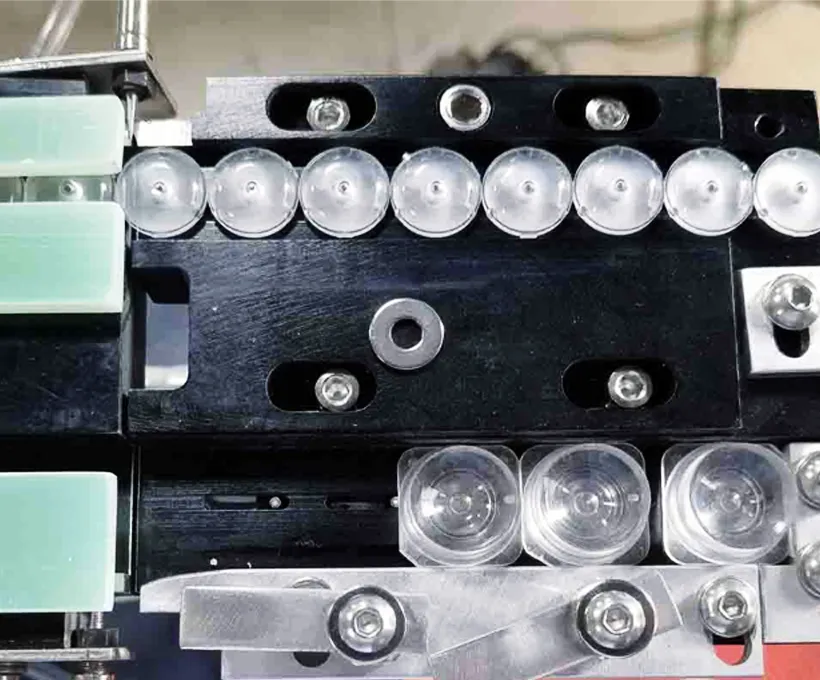 RelatedJHIMS DPS-2 Lens Vibratory FeederLens vibratory feeder for SMT pick-and-place — stable feeding of lenses and small components.View product →
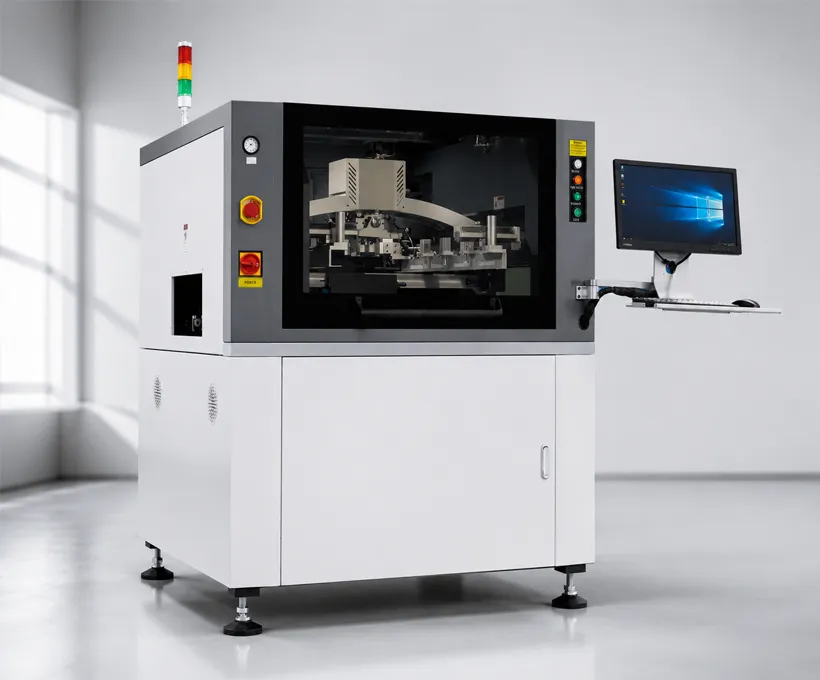 RelatedJHIMS M8 Solder Paste PrinterFully automatic vision solder paste printer for larger boards — CCD alignment (±0.01mm) and 2D inspection.View product →
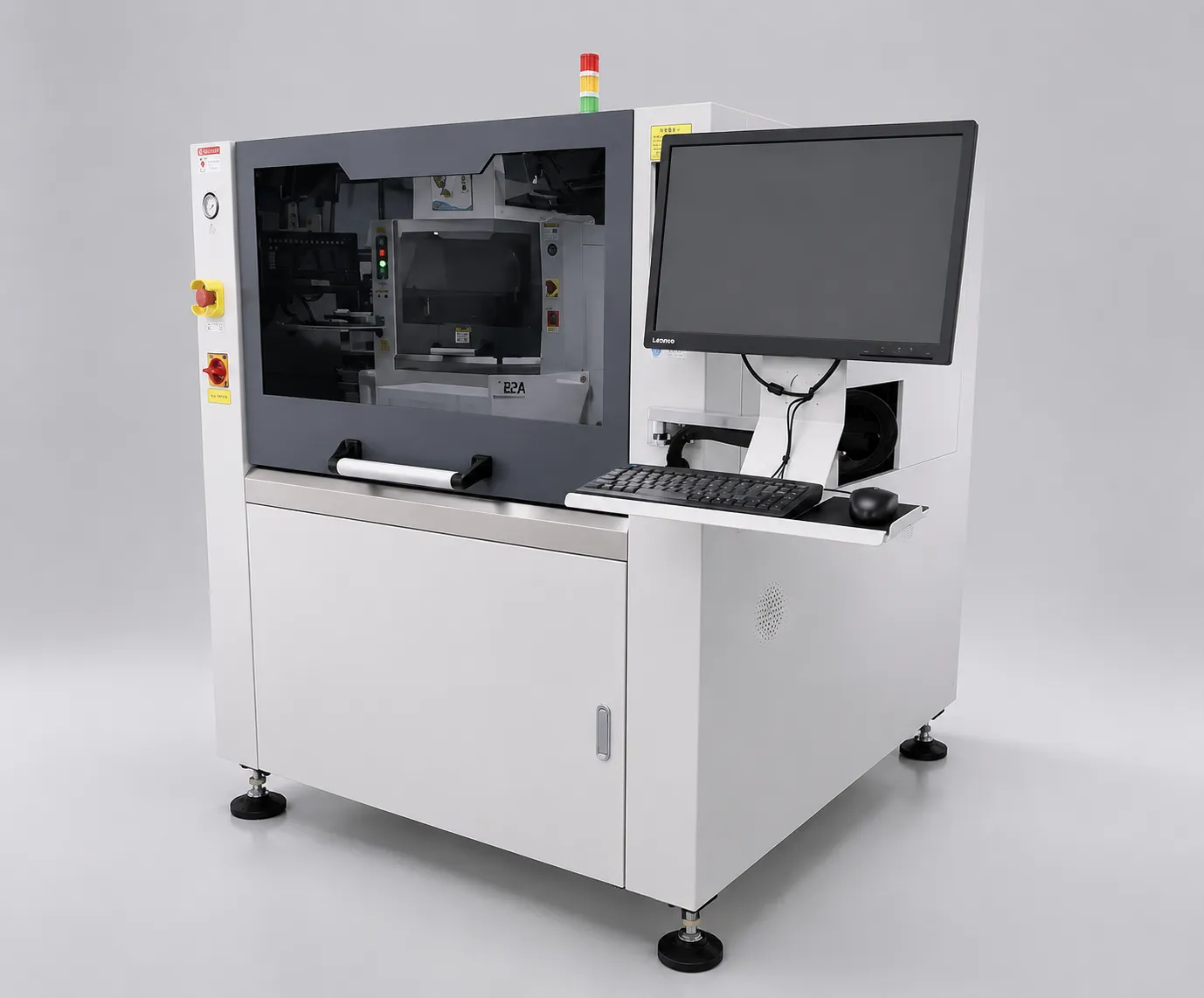 RelatedJHIMS L5 Solder Paste PrinterFully automatic visual solder paste printer with ±0.025mm accuracy and integrated 2D inspection.View product →
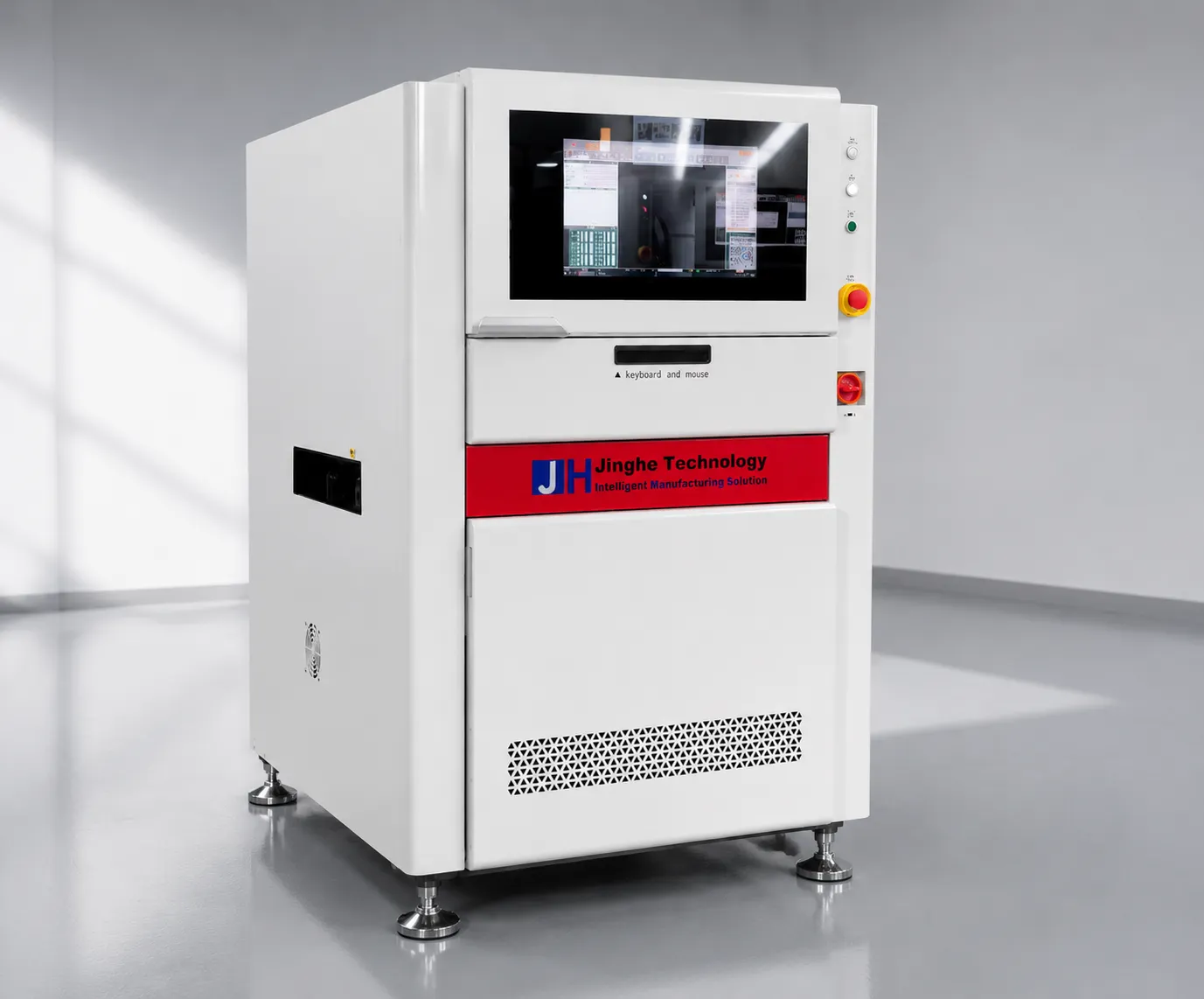 RelatedJHIMS R6-U UV Laser Marking Machine355nm UV laser marker for PCB traceability — QR and Data Matrix codes at high throughput.View product →
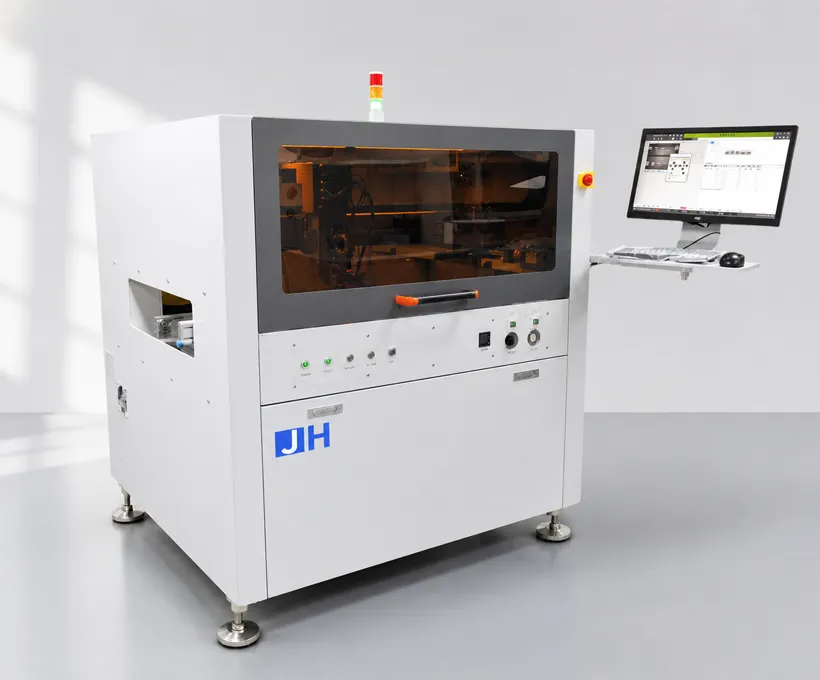 RelatedJH-D900 Glue Dispensing MachineHigh-speed dispensing machine with precision three-axis motion, jetting valve and dual-track — up to 3000 Hz.View product →
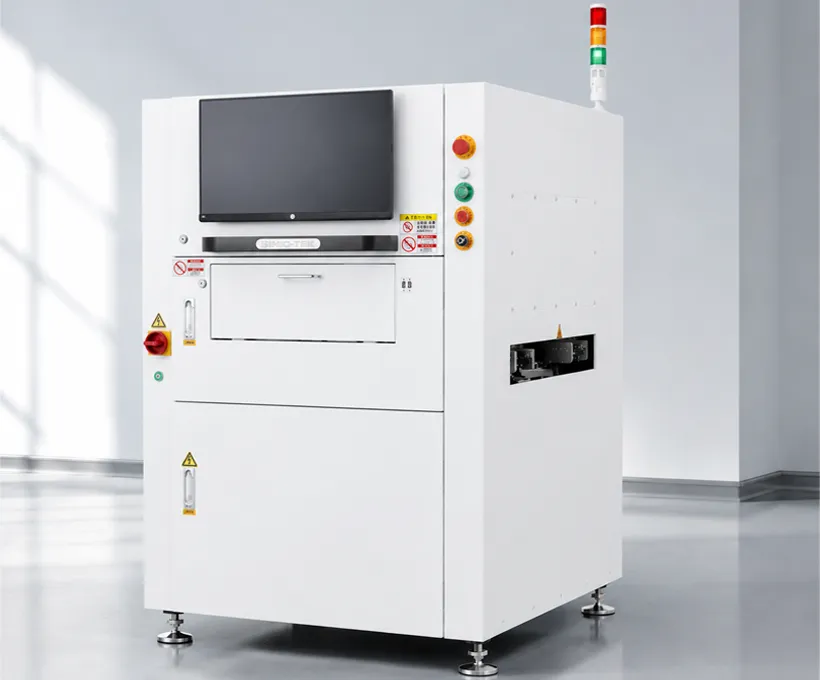 RelatedJHIMS S630 3D SPI3D solder paste inspection for SMT lines — detects volume, height and area defects before reflow.View product →
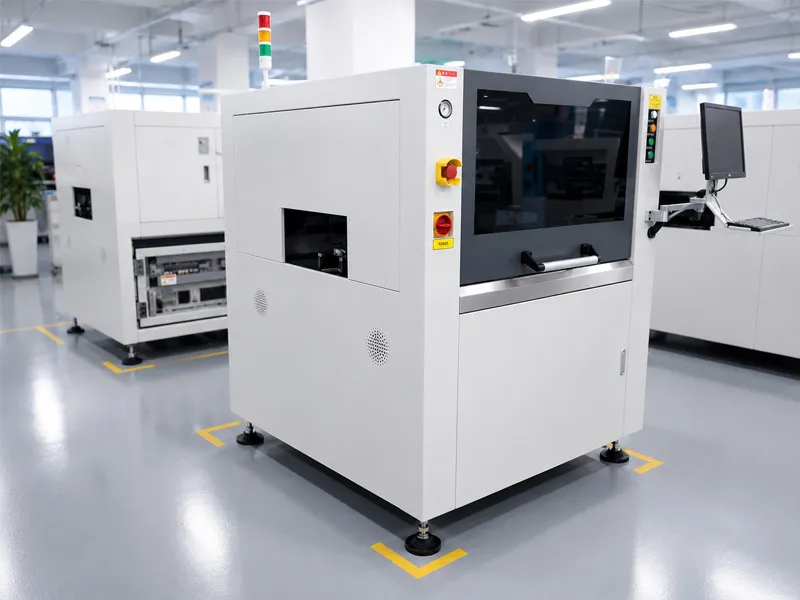 GuideL5 Solder Paste Printer GuideStep-by-step video guide for operating the JHIMS L5 solder paste printer.Read article →
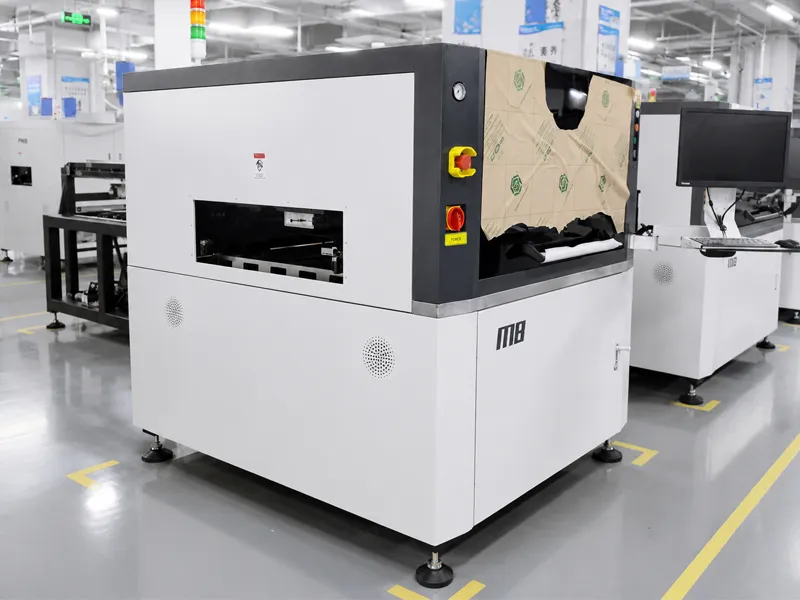 GuideM8 Solder Paste Printer GuideStep-by-step video guide for operating the JHIMS M8 solder paste printer.Read article →
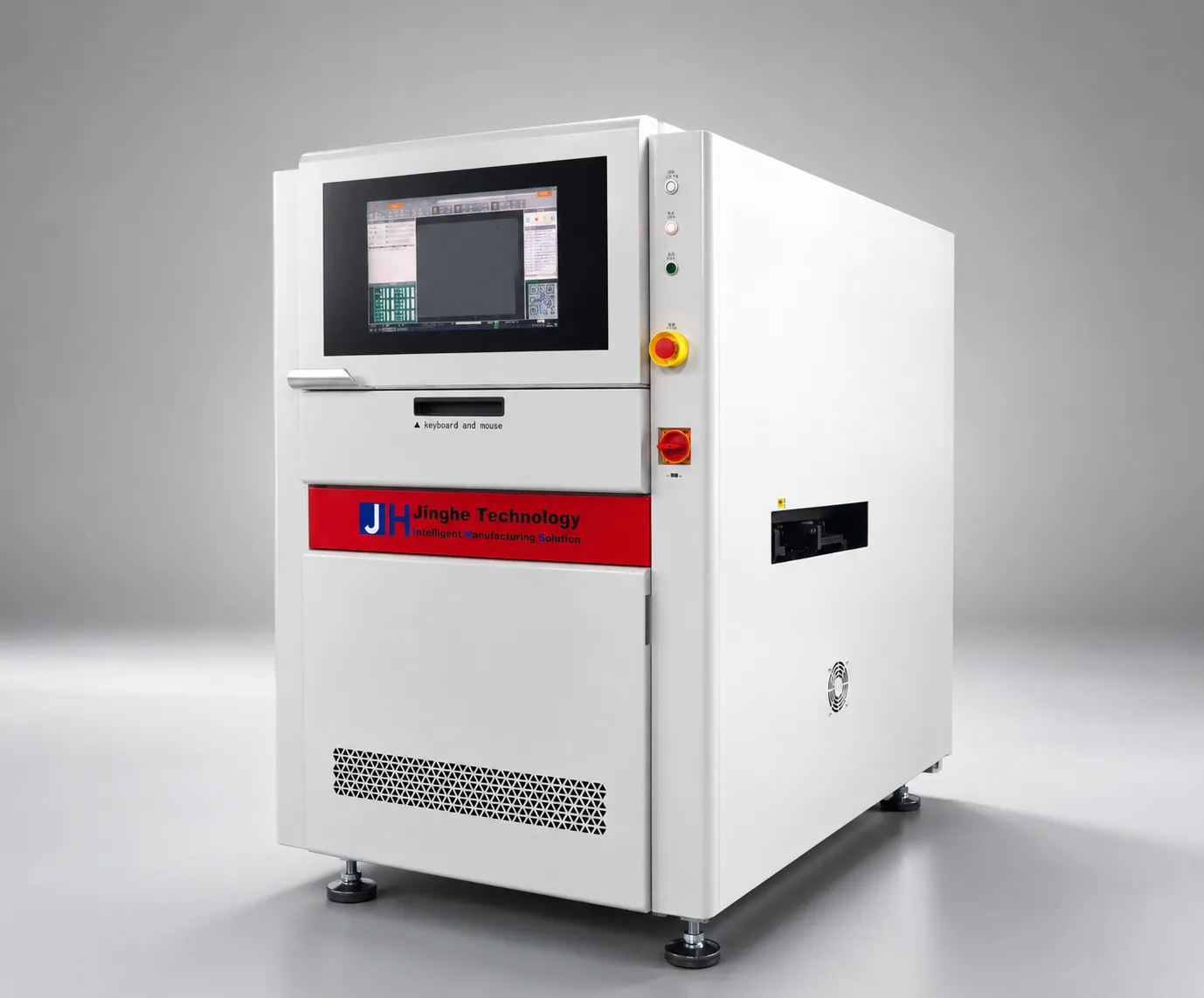 GuideR6-U UV Laser Marking Machine Guide9-step video guide: installation, laser calibration, QR marking workflow and troubleshooting.Read article →GuideD900 Dispensing Machine GuideStep-by-step video guide for operating the JH-D900 glue dispensing machine.Read article →GuideDPS-2 Lens Feeder Troubleshooting Guide5 common lens-feeder issues ranked by probability with step-by-step fixes — most resolved in under 10 minutes.Read article →SupportTechnical SupportTraining, remote diagnostics and spare parts dispatch for your JHIMS line.Read article →
Contact our engineers for a free evaluation, first reply within 12 working hours (Mon–Sat, 09:00–23:00 China Standard Time, UTC+8).